
OnboardCentric has an internal messaging system which allows the main administrator to correspond with new hires and other system users.
The messaging center is found on the HOME page and is identified by the life preserver icon.
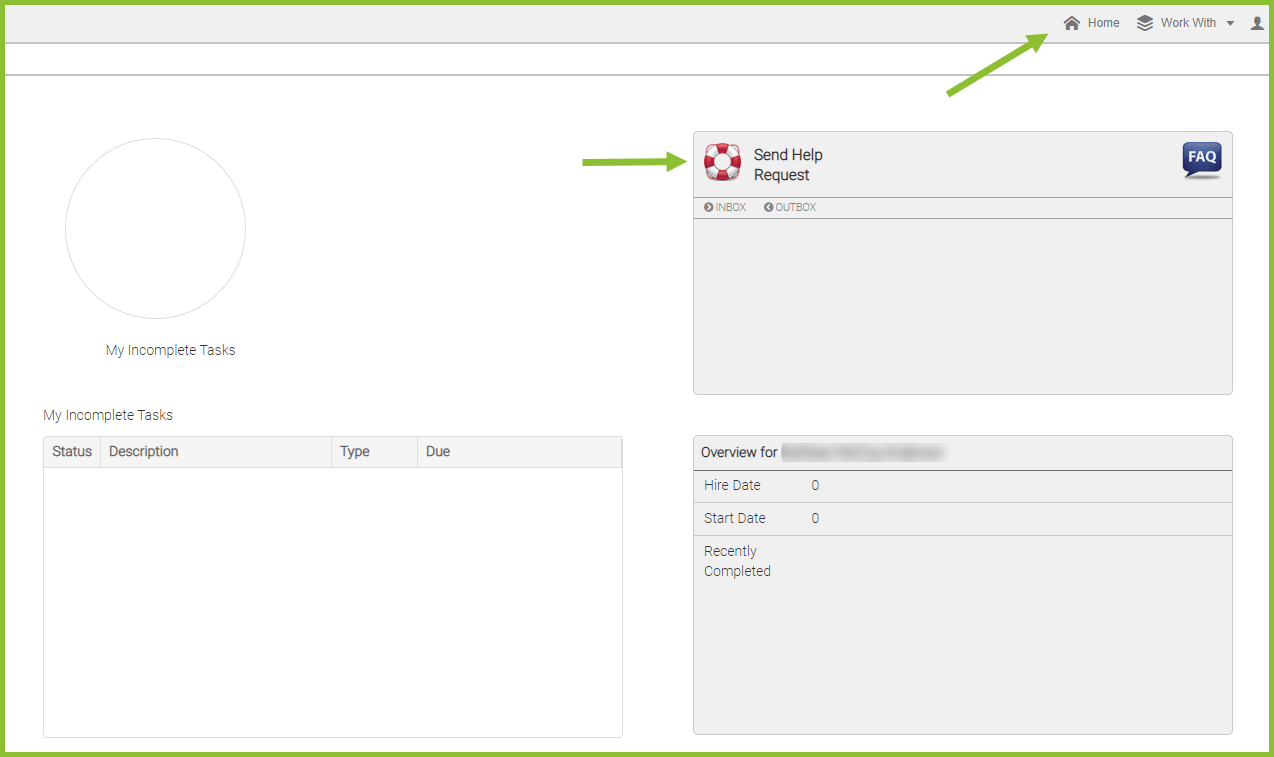
To send a message to the main administrator, the user will click on the life preserver icon and type a message in the "Submit A Request" pop up box.
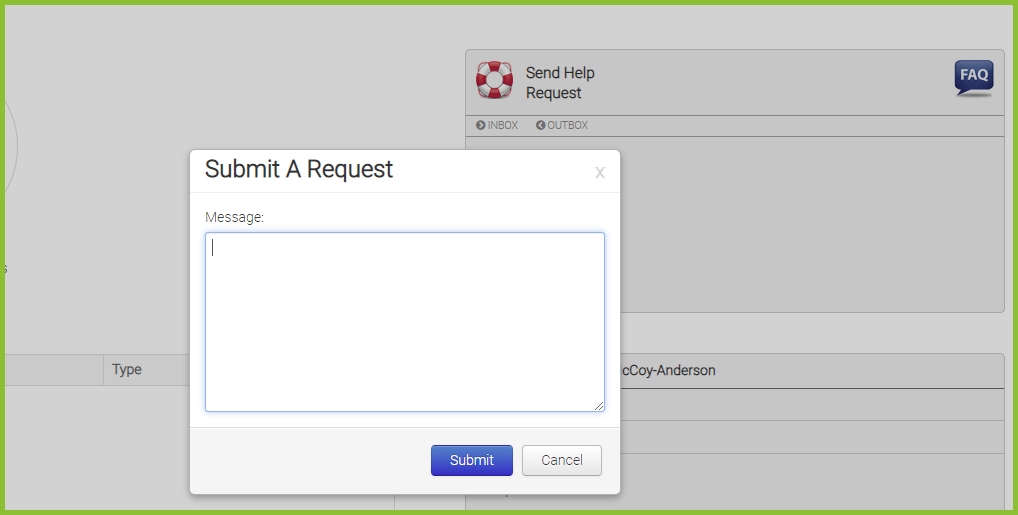
The message will route to the Administrator's HOME page in OnboardCentric, landing within the life preserver feature. The administrator will also receive a direct email message advising that the user has sent a help request through OnboardCentric.
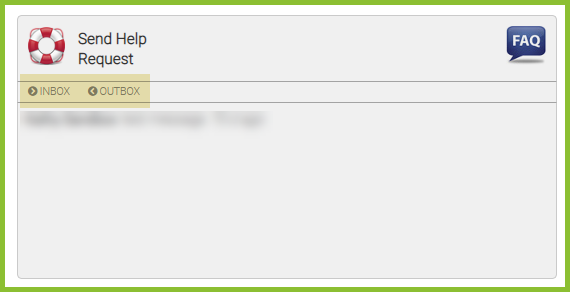
Users can toggle between INBOX and OUTBOX to review sent and received messages.
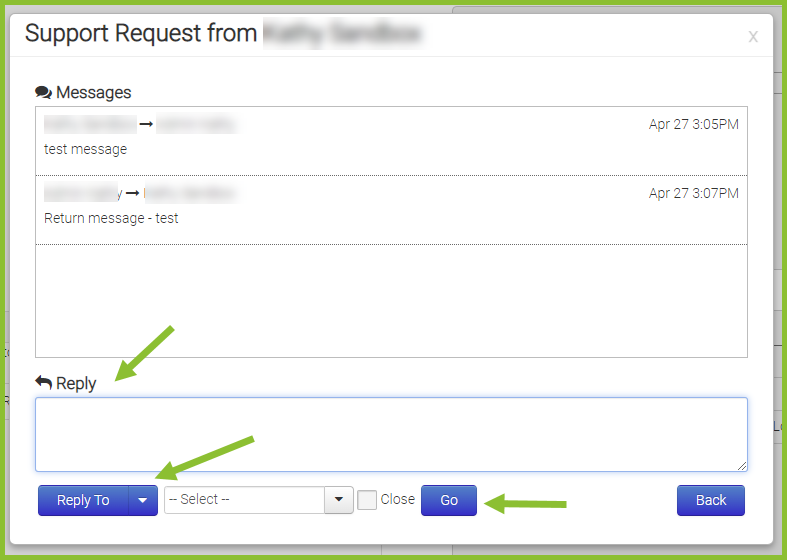
Users can select a specific message to expand the conversation and continue the correspondence directly through OnboardCentric.
If you do not know who the primary administrator is in your platform or need to make an update, please contact support@exacthire.com.
Still need help? Submit a support request and our team will get back to you.