
To share a job to LinkedIn, locate the job in the JOBS view by using the available filters.
-
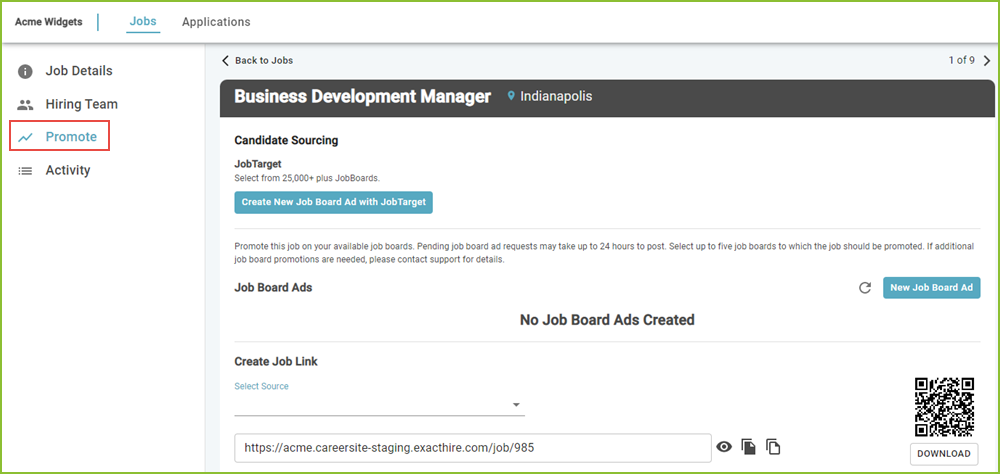
Click on the selected job title. The Job Details tab will open. Use the PROMOTE tab to access the various job ad promote features.
-
In the Select Source menu begin typing LinkedIn.

-
Select LinkedIn to create the custom link. Use the Copy Link icon to copy the image to the system clipboard.

-
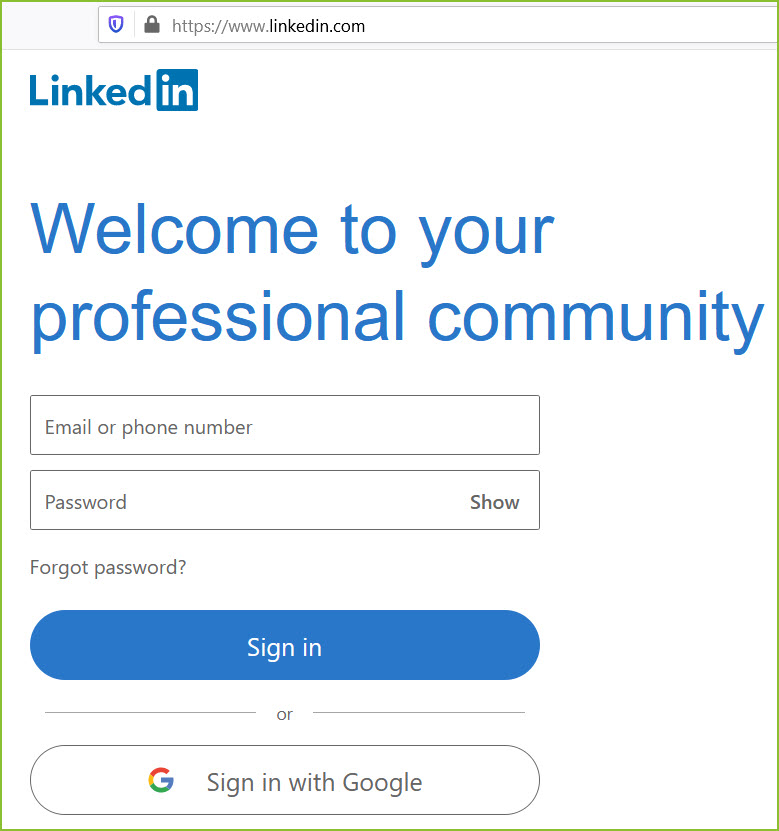
Log into the LinkedIn account that should be used to mention the job. This can be a corporate or personal account.
-
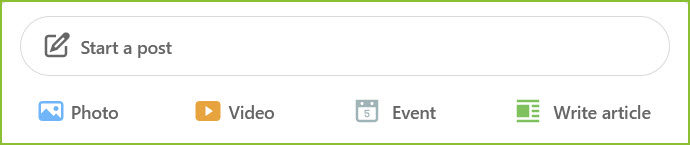
Click into “Start a post” to create the post.
-
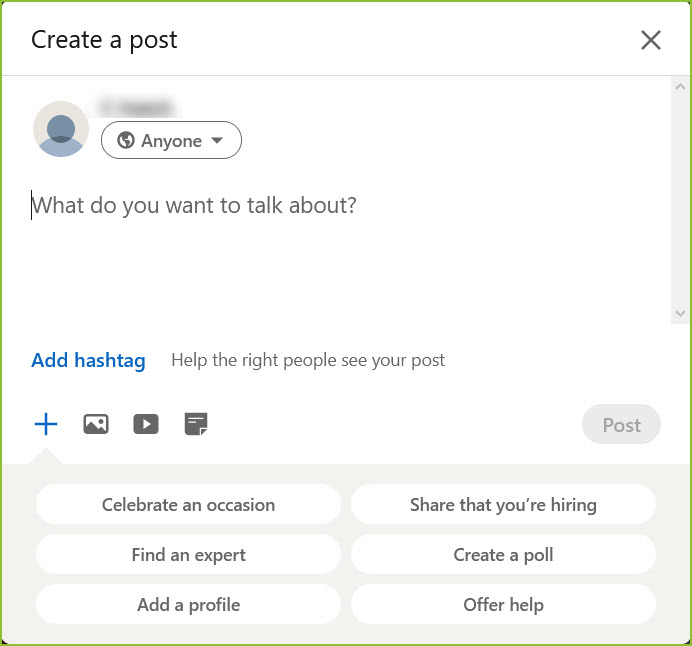
In the “Create a post” field, enter information about the job, including job title, and paste (CTRL+V) the custom job link from the system clipboard. Click Post to share.
Still need help? Submit a support request and our team will get back to you.