
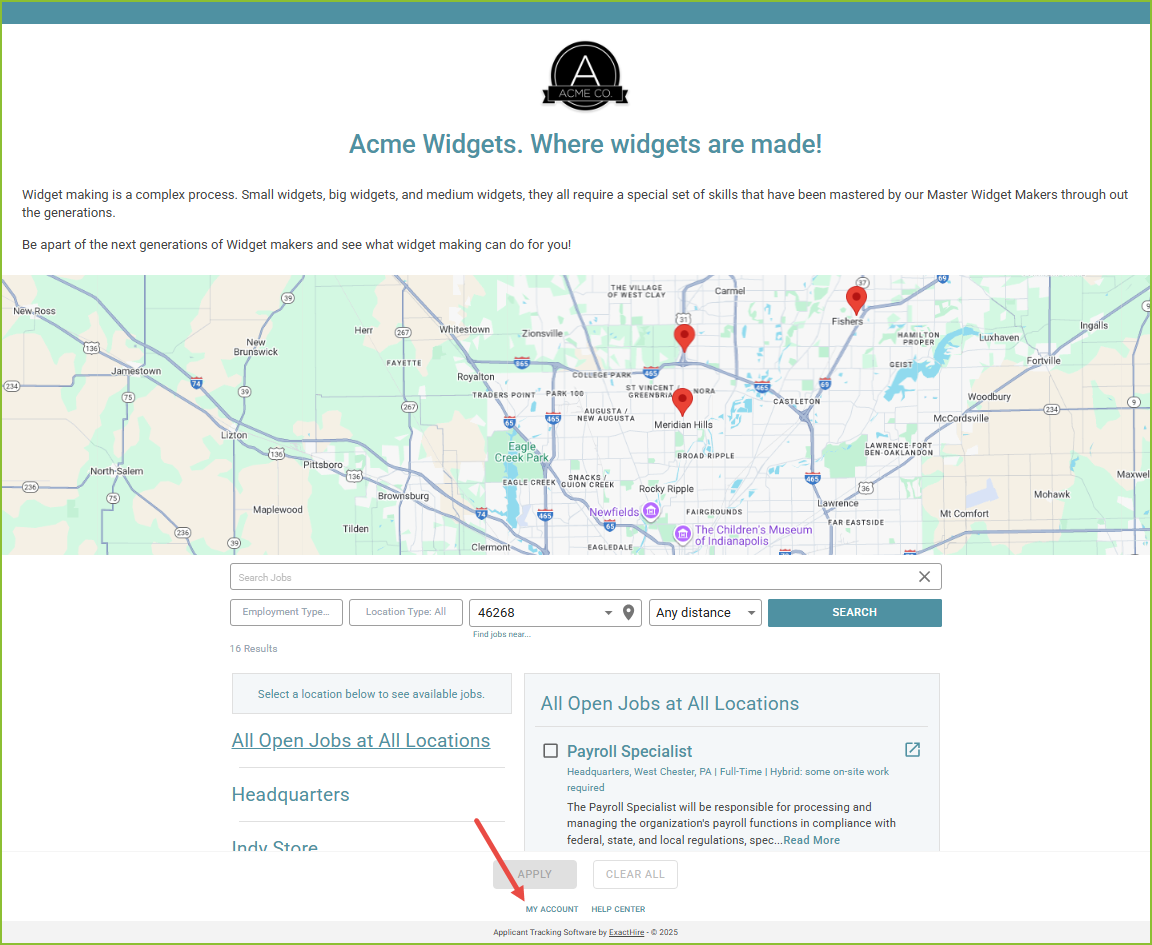
As an applicant, to access your account click MY ACCOUNT at the bottom of the Career Site.
-
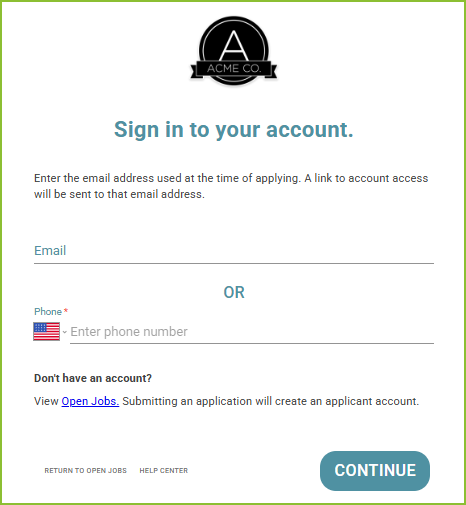
Enter the email address or phone number used with your original account and click CONTINUE.
-
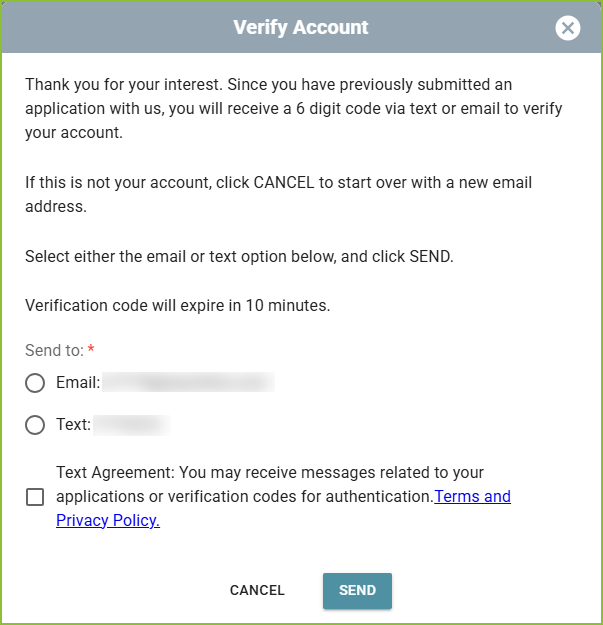
Select to receive the account verification code by email or text message, and click SEND. Please note:
-
the verification code will expire after 10 minutes.
-
for the phone number to receive text messages it must be capable of receiving text messages.
-
-
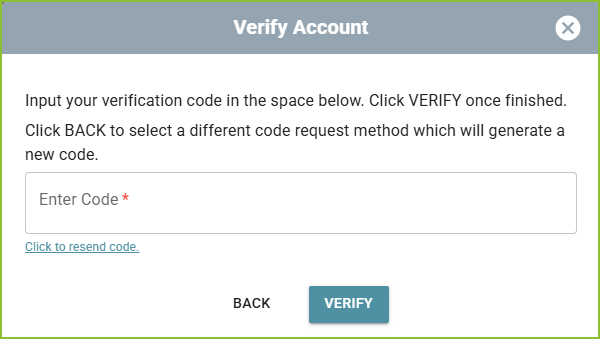
A verification code will be sent. Enter the verification code into the Verify Account box and click VERIFY. If the code expires, use the ‘click to resend code’ link.
-
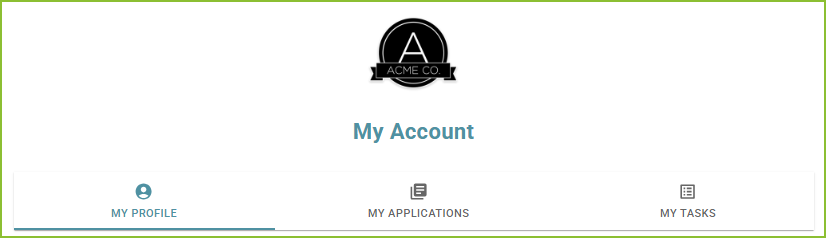
The applicant account will open securely in your browser.
-
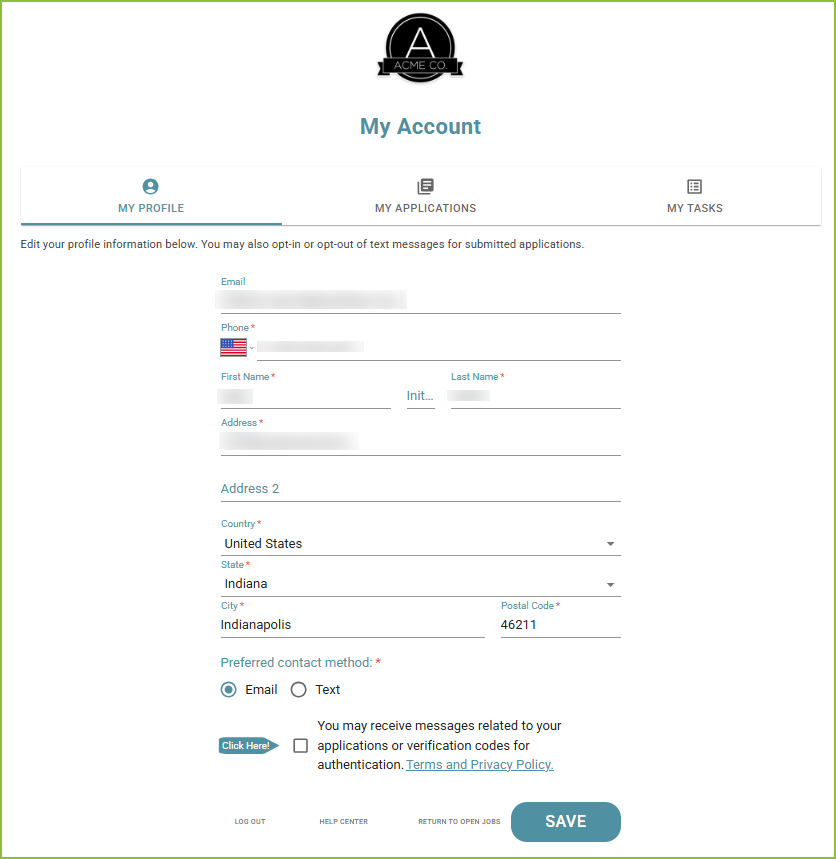
Update any needed information on the My Profile tab.
-
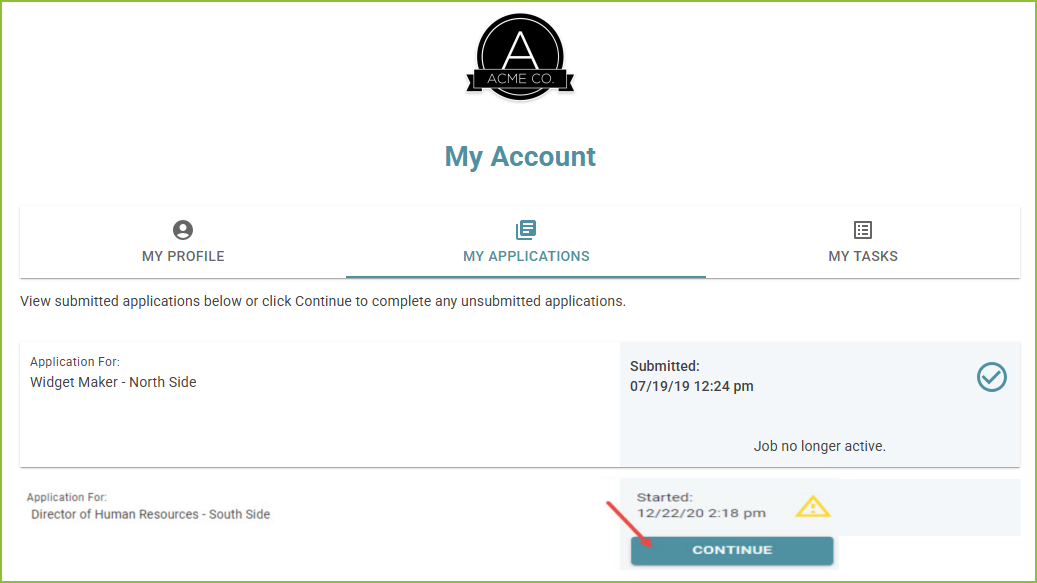
Use the My Applications tab to view applications associated with your account.
-
Take the action needed on any incomplete application(s) with the CONTINUE button.
-
Complete the application by responding to all required questions. Click SUBMIT APPLICATION to submit the completed application.
-
-
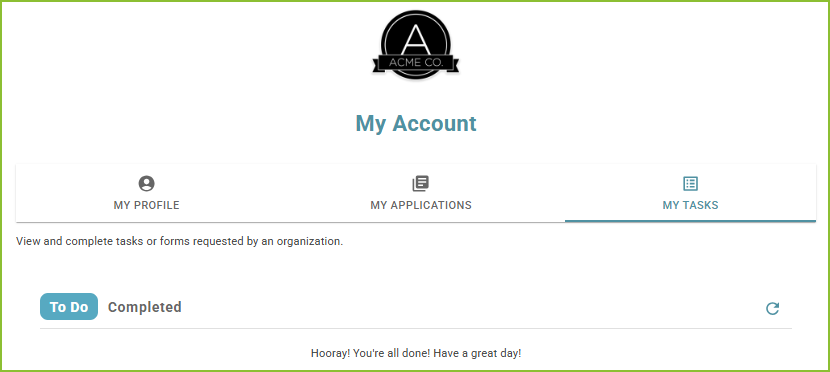
Use the My Tasks tab to view and complete tasks in your To Do list.
Still need help? Submit a support request and our team will get back to you.