
If an organization utilizes Selective Hiring Assessments, applicants may be asked to complete an assessment in connection with their application.
-
The applicant may receive an on screen invitation and email invitation, or only an emailed invitation.
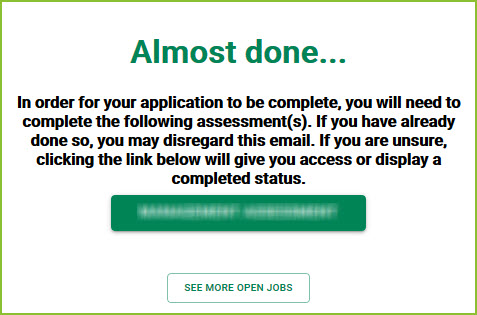
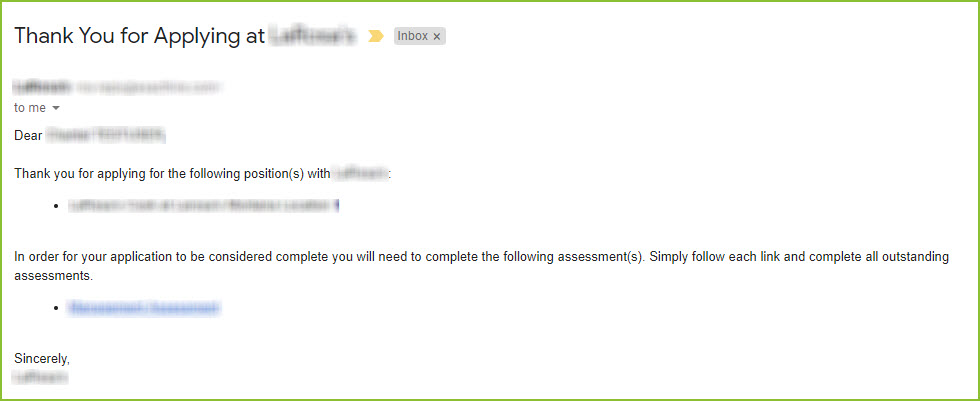
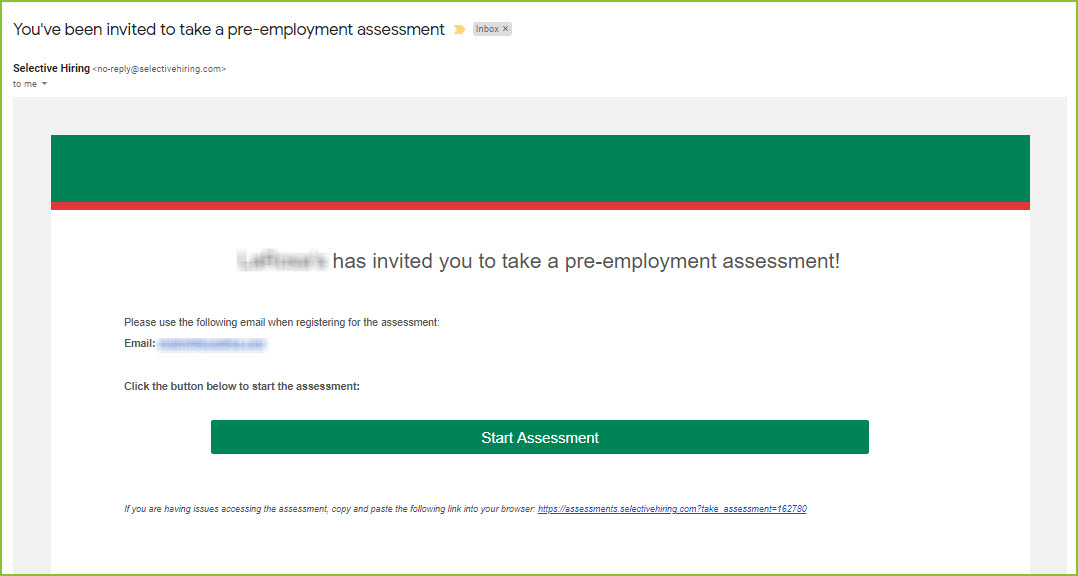
-
The applicant will use the link(s)/button(s) provided to access the assessment.
-
The applicant will begin by completing the profile information.
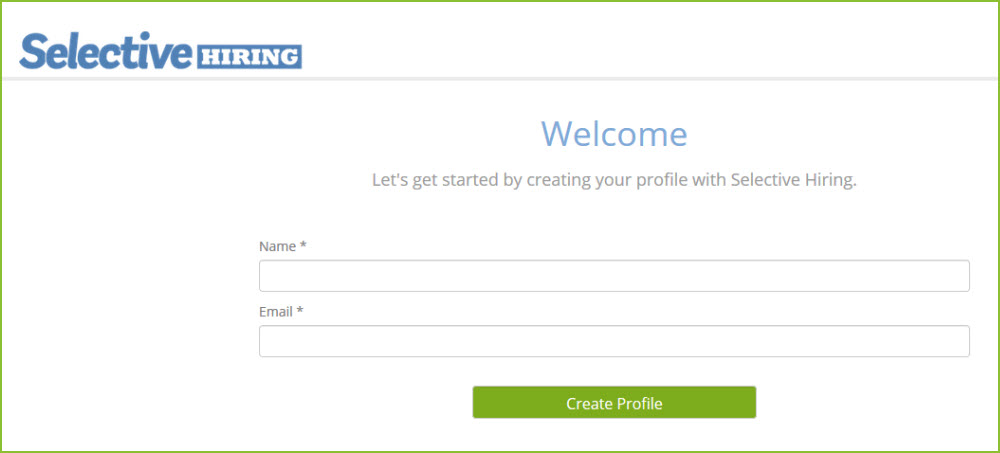
-
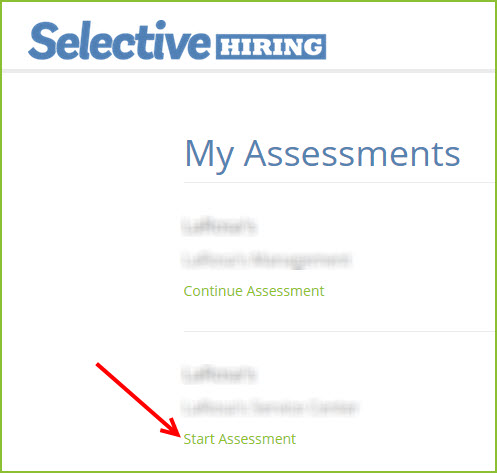
Select the assessment to be completed.
-
Complete the assessment questions. All questions are required.
-
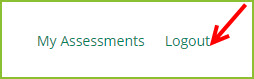
If the applicant needs to step away from the assessment prior to completing, use the LOGOUT option in the upper right.
-
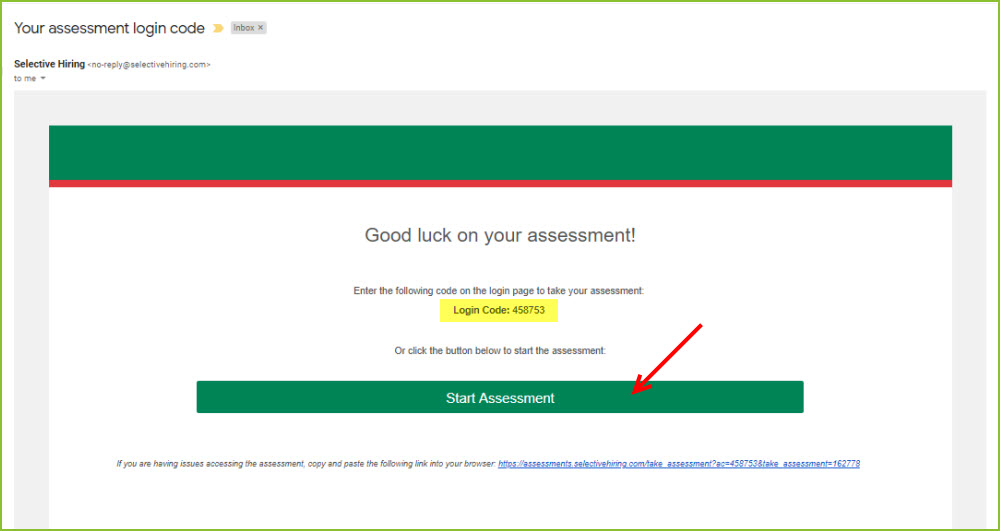
To Log into the assessment to complete at a later time, use the link received in the original email to access the assessment site. Enter name and email address. A login code will be emailed to you. Use the login code to access the assessment account.
-
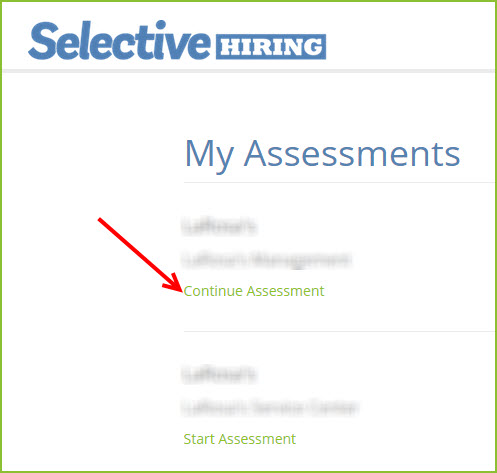
Select the assessment to continue.
-
Once all assessment questions have been answered the applicant will see a Thank You appear on their page.

Applicant can take each assessment only once per year.
Still need help? Submit a support request and our team will get back to you.