
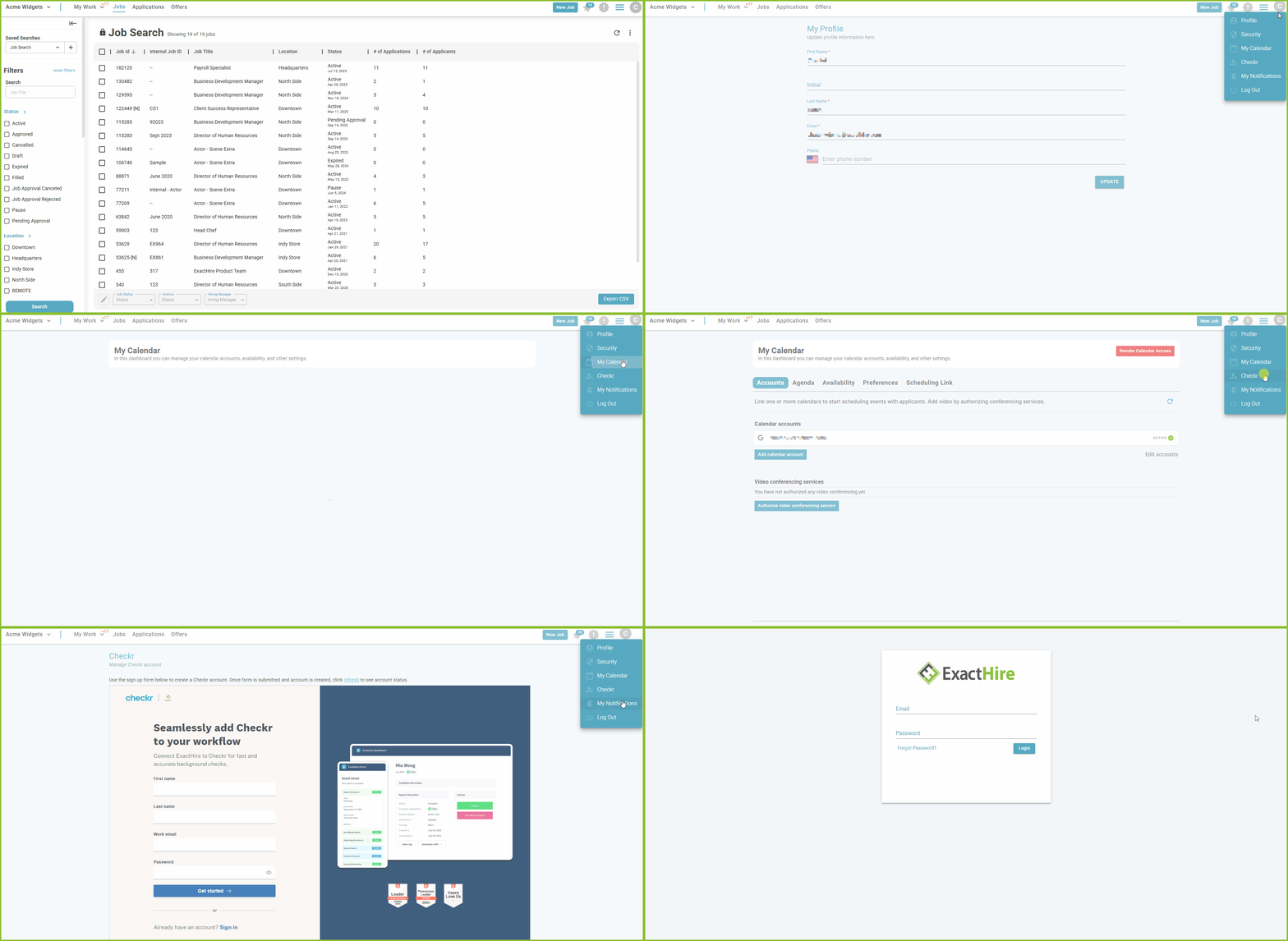
Users have the ability to edit certain aspects of their user account settings.
-
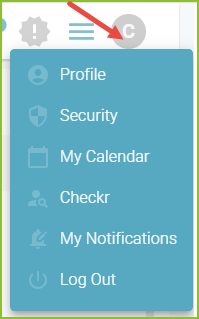
Click on the Account Icon in the upper right corner of any view.
-
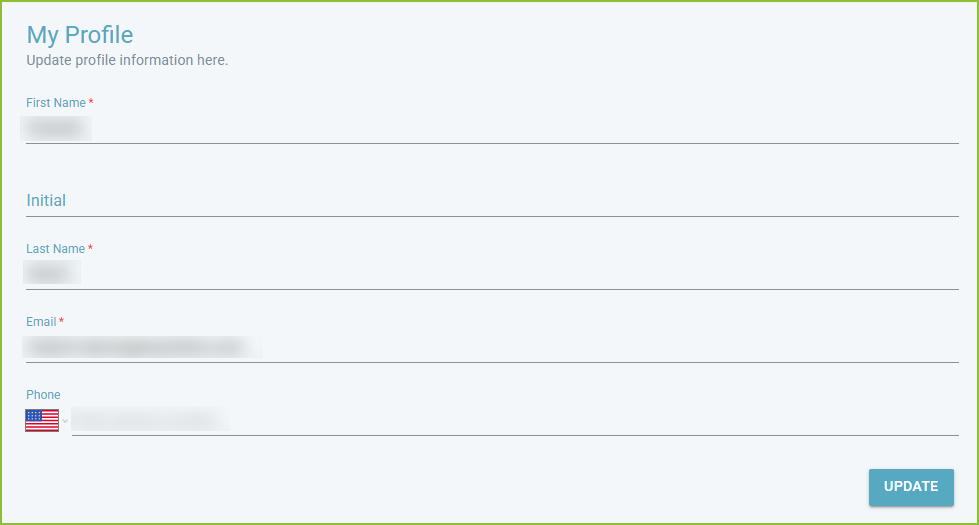
The Profile area allows the user to update their profile information. First name, last name, and email address are required.
-
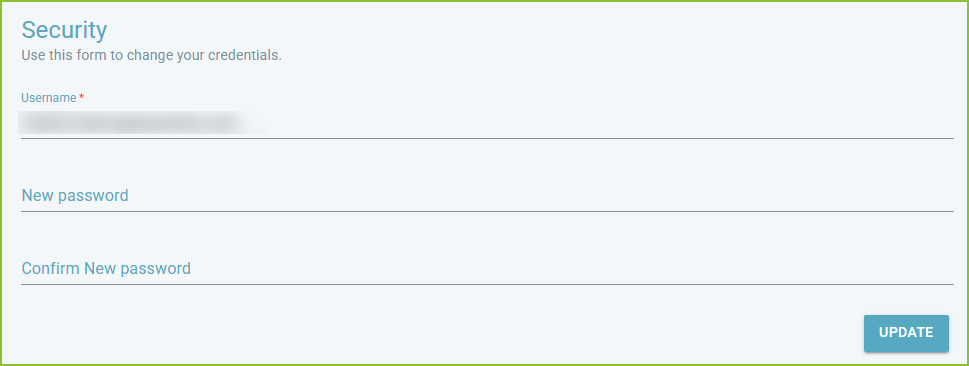
The Security area allows the user to update their login credentials - email address and password.
-
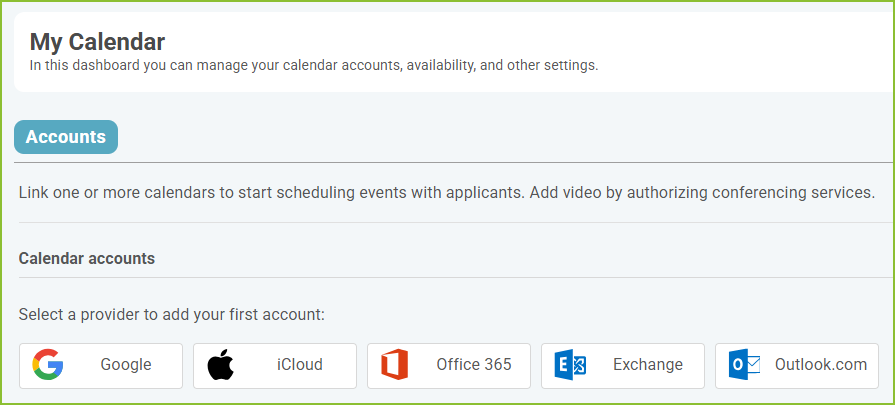
The My Calendar area allows the user to integrate their calendar in order to send interview invitations to applicants. Please note: the Calendar is an optional add-on feature.
-
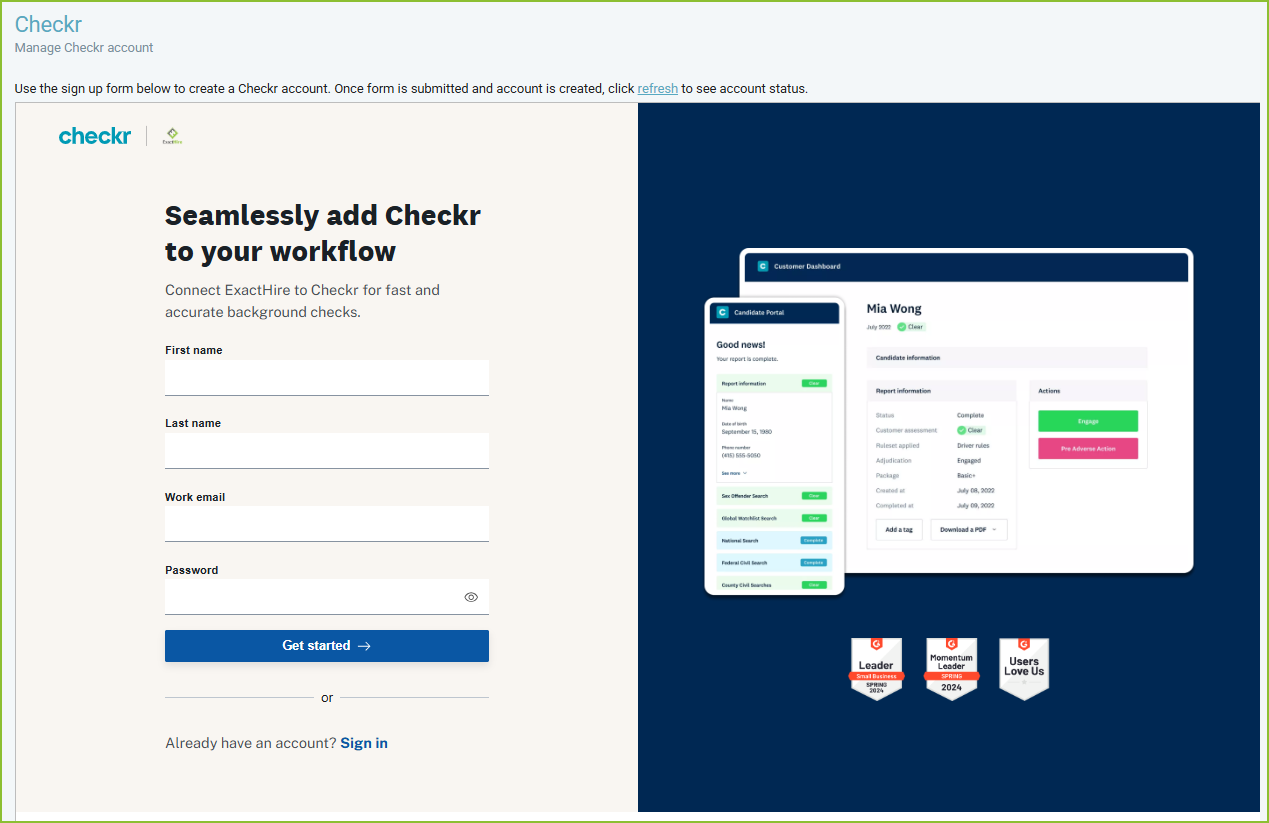
The Checkr area allows the ExactHire ATS Administrator to set up the Checkr integration for the organization.
-
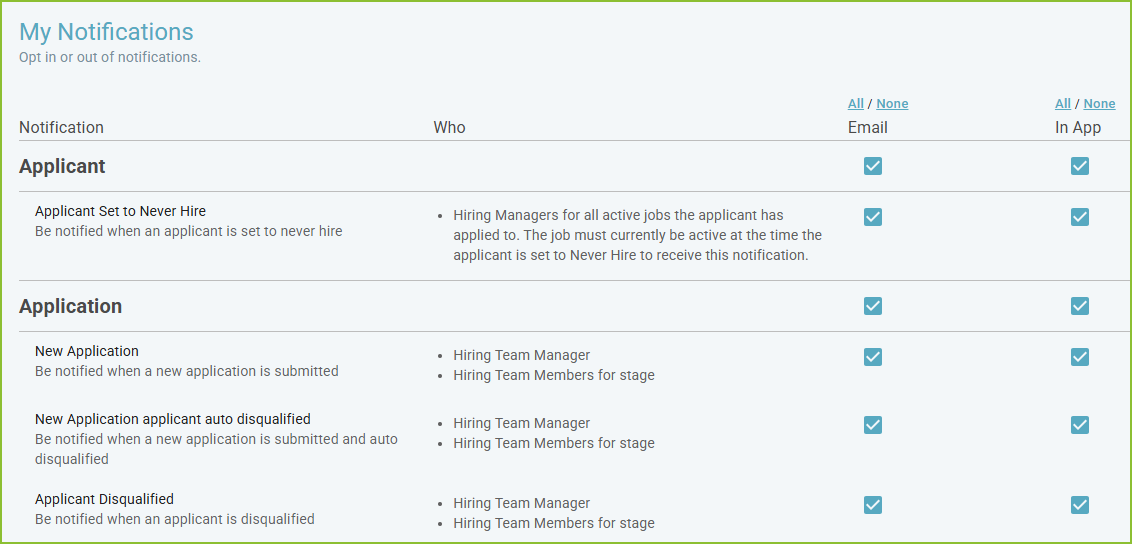
The My Notifications area allows the user to tailor their system notifications.
-
The Log Out option will log the user out of the ATS.
Still need help? Submit a support request and our team will get back to you.