
The Application Pipeline Speed Report can be used to track the average time candidates spend in each application stage.
-
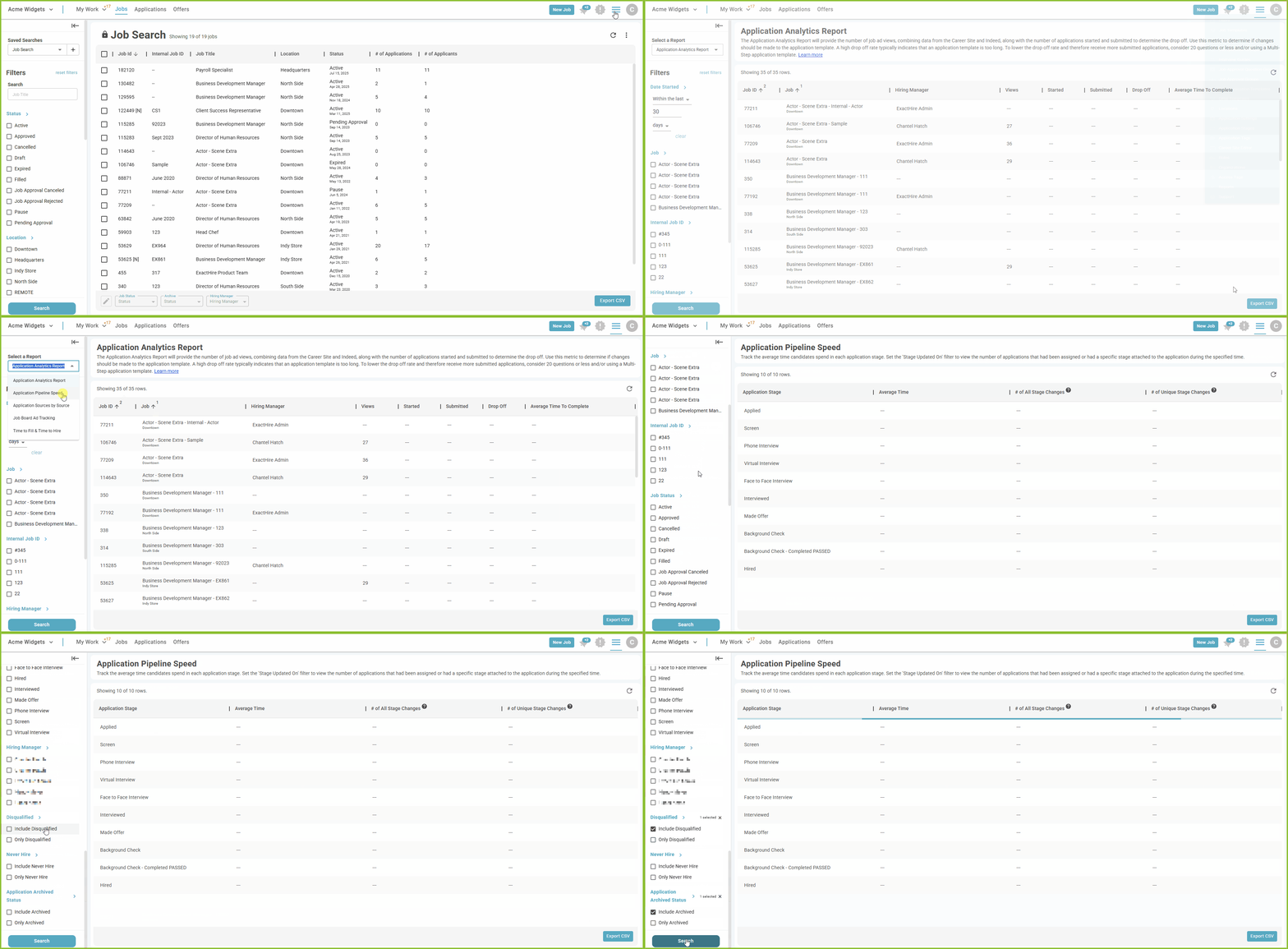
To access the Application Pipeline Speed Report, begin in the Settings area.

-
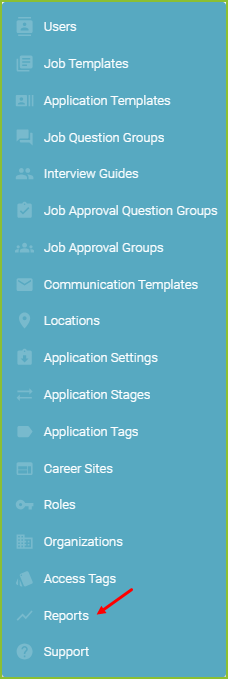
Click on Reports.
-
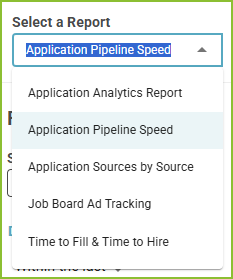
Select the Application Pipeline Speed Report.
-
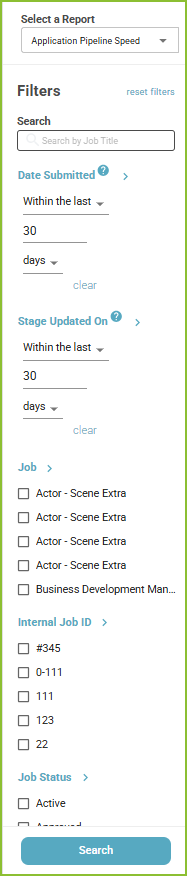
Adjust the filters to control the Date Submitted, Stage Updated On, Job, Internal Job ID, Job Status, Job Category, Application Stage, Hiring Manager, Disqualified, Never Hire and Application Archived Status.
-
Click Search to display the results.
-
The Export CSV button will export the results of the report into a csv.
Still need help? Submit a support request and our team will get back to you.