
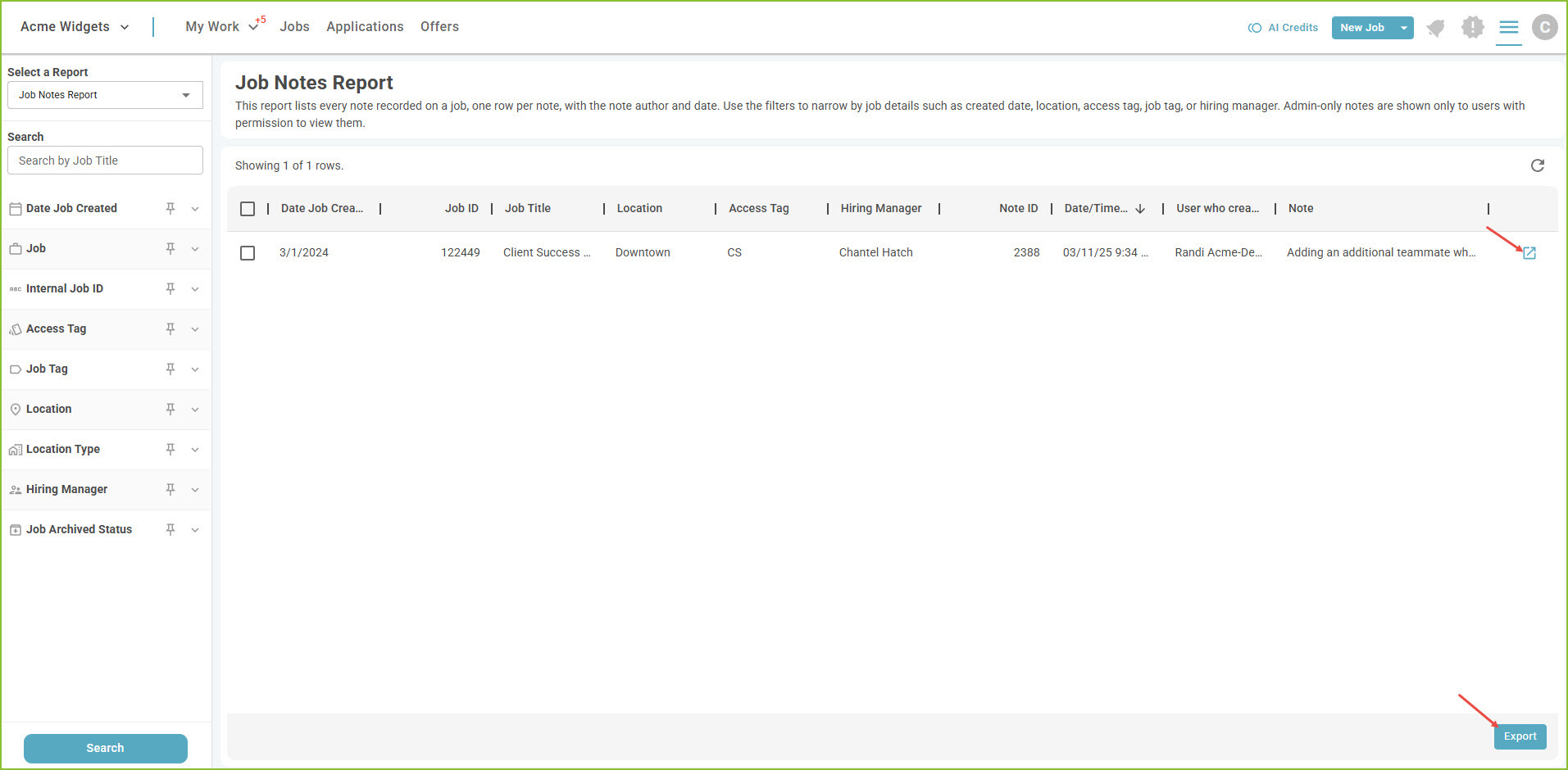
The Job Notes Report provides information on the Notes field of the job, including who created the note and when.
-
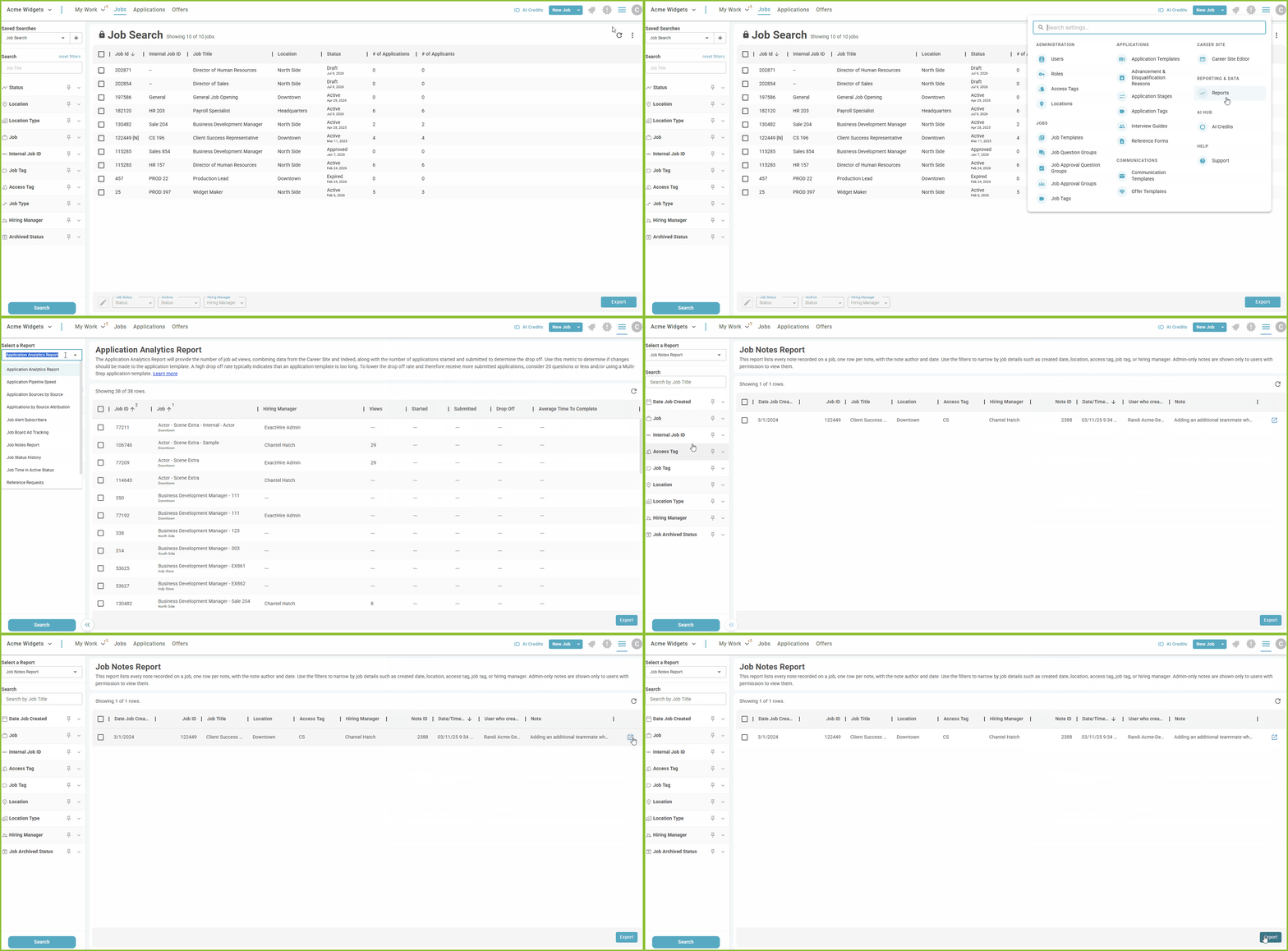
To access the Job Notes Report, begin in the Settings area.

-
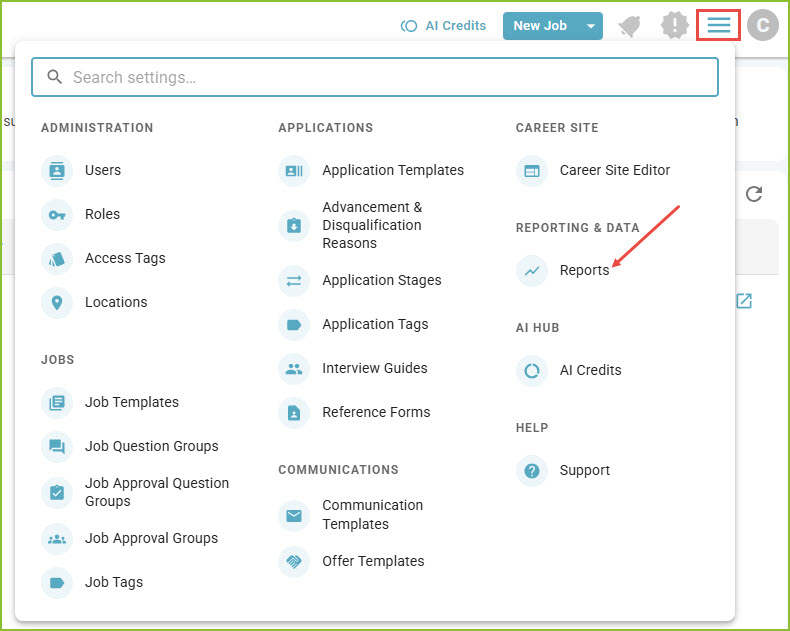
Click on Reports.
-
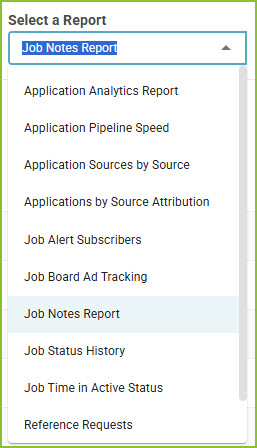
Select the Job Notes Report.
-
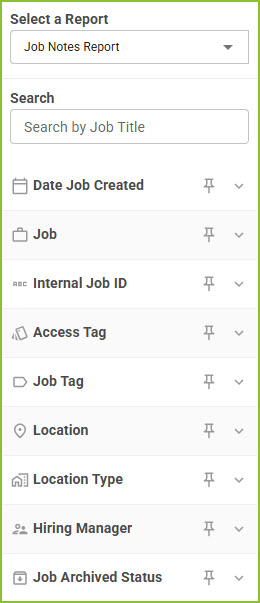
Adjust the filters to control the results according to Date Job Created, Job, Internal Job ID, Access Tag, Job Tag, Location, Location Type, Hiring Manager, and Job Archived Status.
-
Click Search to display the results.
-
Use the open icon to navigate to the Job Details.
-
The Export button will export the results of the report into a csv.
Still need help? Submit a support request and our team will get back to you.