
The Time to Fill & Time to Hire Report will provide metrics on the number of days from when an applicant applied for a job listing to when an applicant was moved to the "Hired" stage and the number of days a job listing was set to the "Active" status to when an applicant was moved to the "Hired" stage.
-
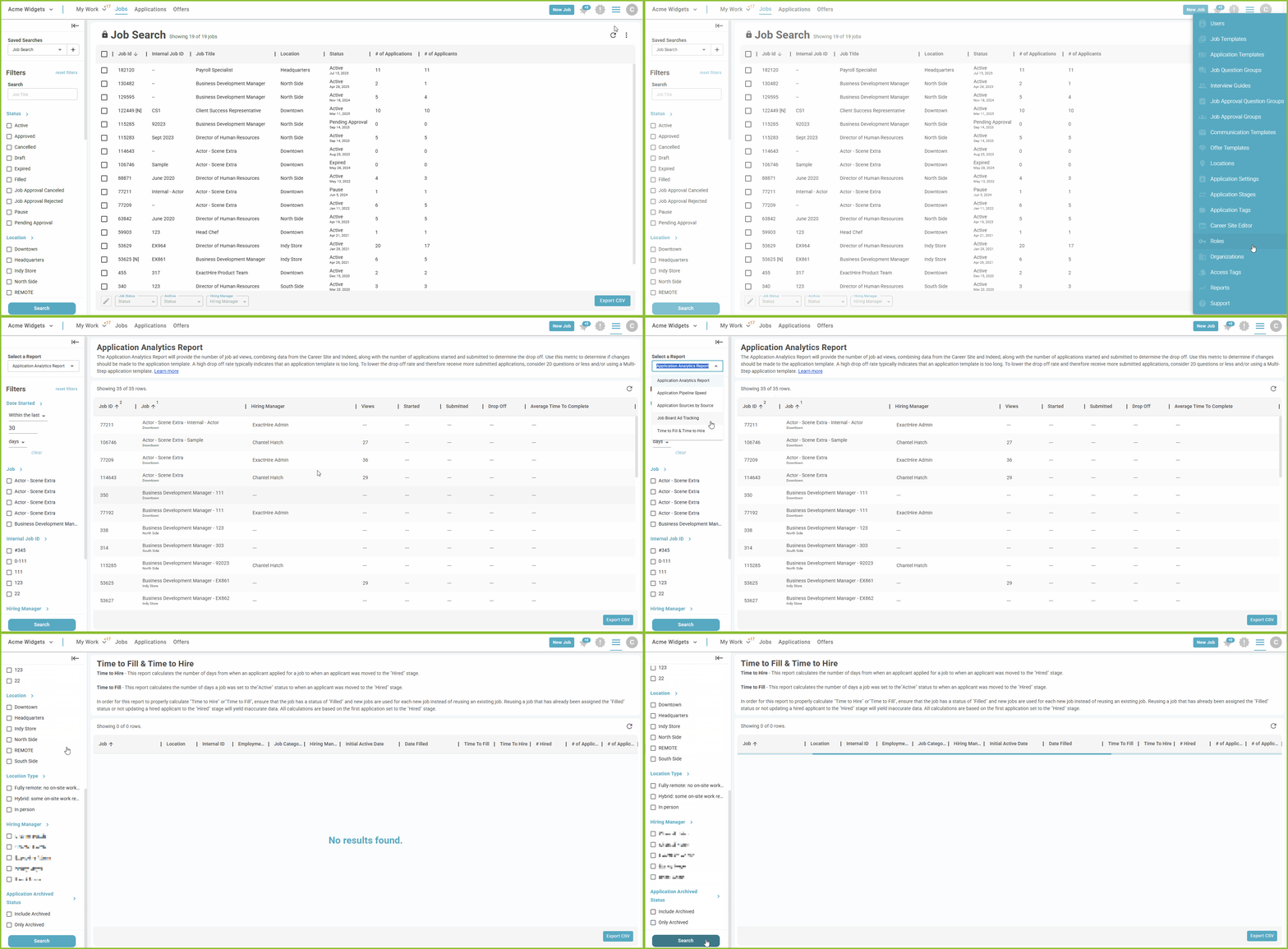
To access the Time to Fill & Time to Hire Report, begin in the Settings area.

-
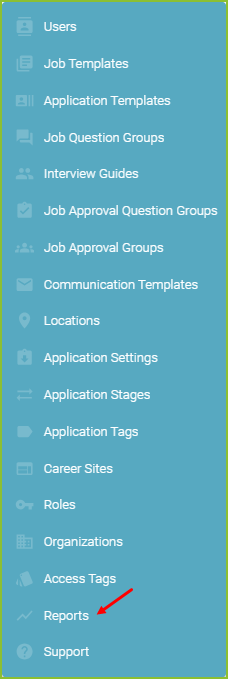
Click on Reports.
-
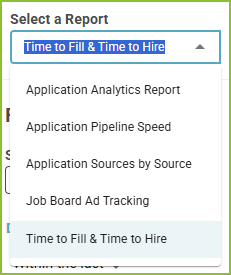
Select the Time to Fill & Time to Hire Report.
-
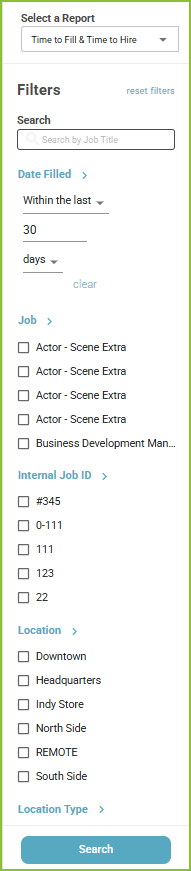
Adjust the filters to control the Date Range, Job, Internal Job ID, Location, Location Type, Hiring Manager, and Application Archived Status.
-
Click Search to display the results.
-
The Export CSV button will export the results of the report into a csv.
Still need help? Submit a support request and our team will get back to you.