
Users have the ability to create Locations.
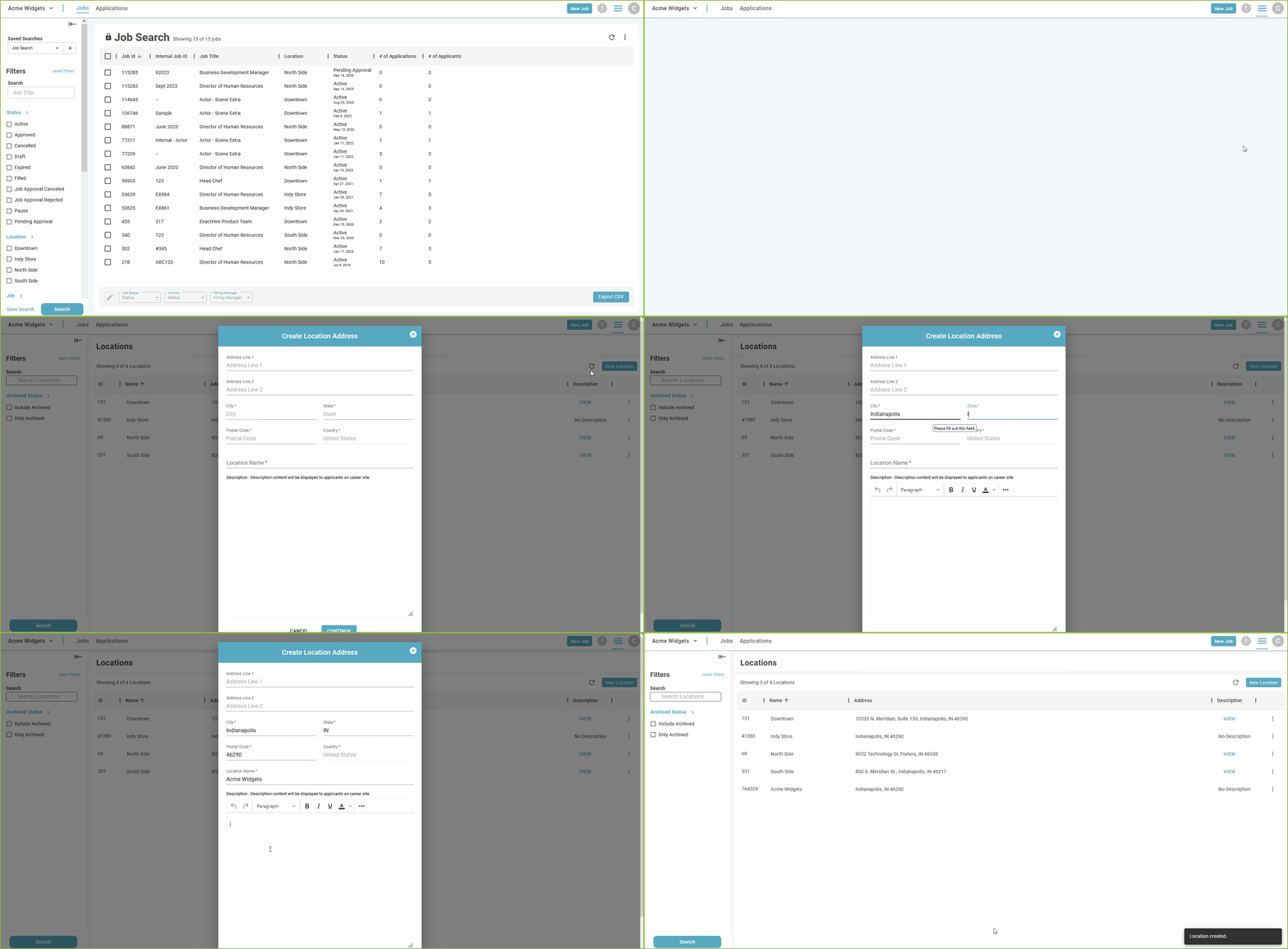
Users have the ability to create Locations in the system that will later be associated with the Job Templates and Job Listings.
-
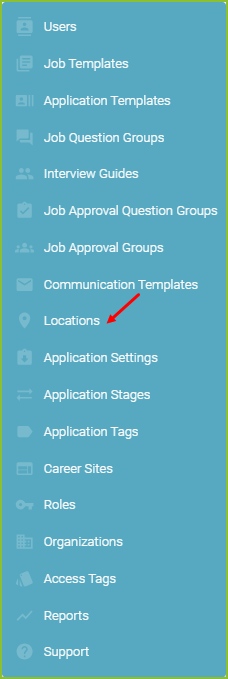
To create a new Location begin in the Settings area.

-
Click on Locations.
-
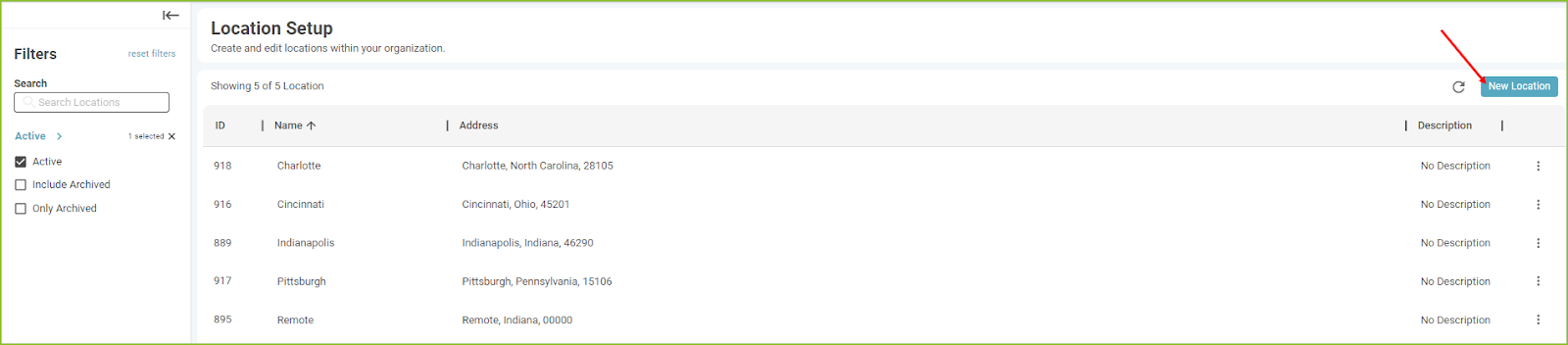
Click the New Location to add a new location.
-
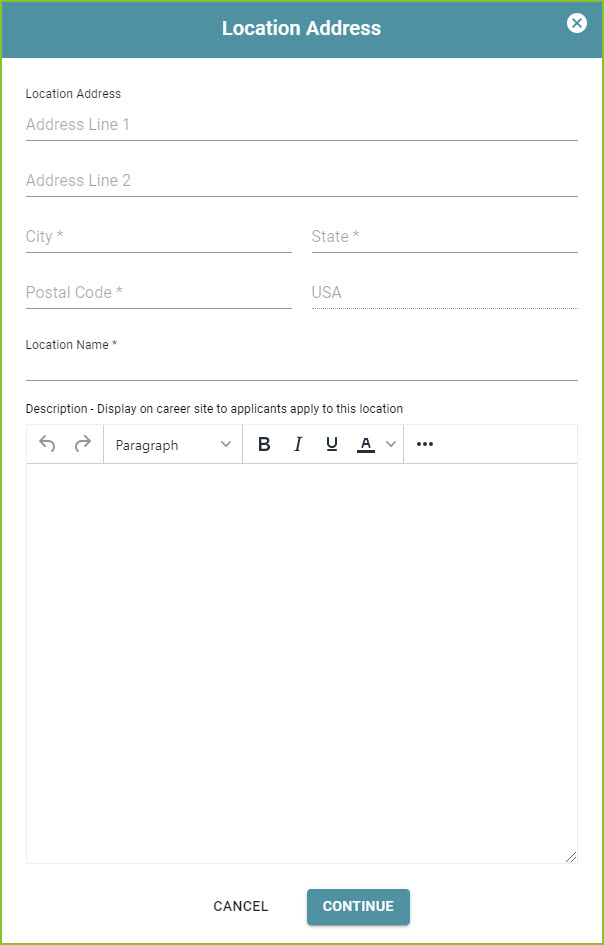
Enter the required information and click CONTINUE.
-
Please note: portions of the Location Setup information is also seen by applicants as they view information regarding the locations of the organization.
-
Here is an example of what an applicant would see when looking at the Name and Description of the Location:

-
Confirmation of the creation of the Location will appear on screen.

Still need help? Submit a support request and our team will get back to you.