
My Notifications allows individual users the ability to control the notifications they receive, ensuring a personalized and streamlined experience.
My Notifications enables users to customize their notification preferences by opting in or out of specific Email or In App notifications.
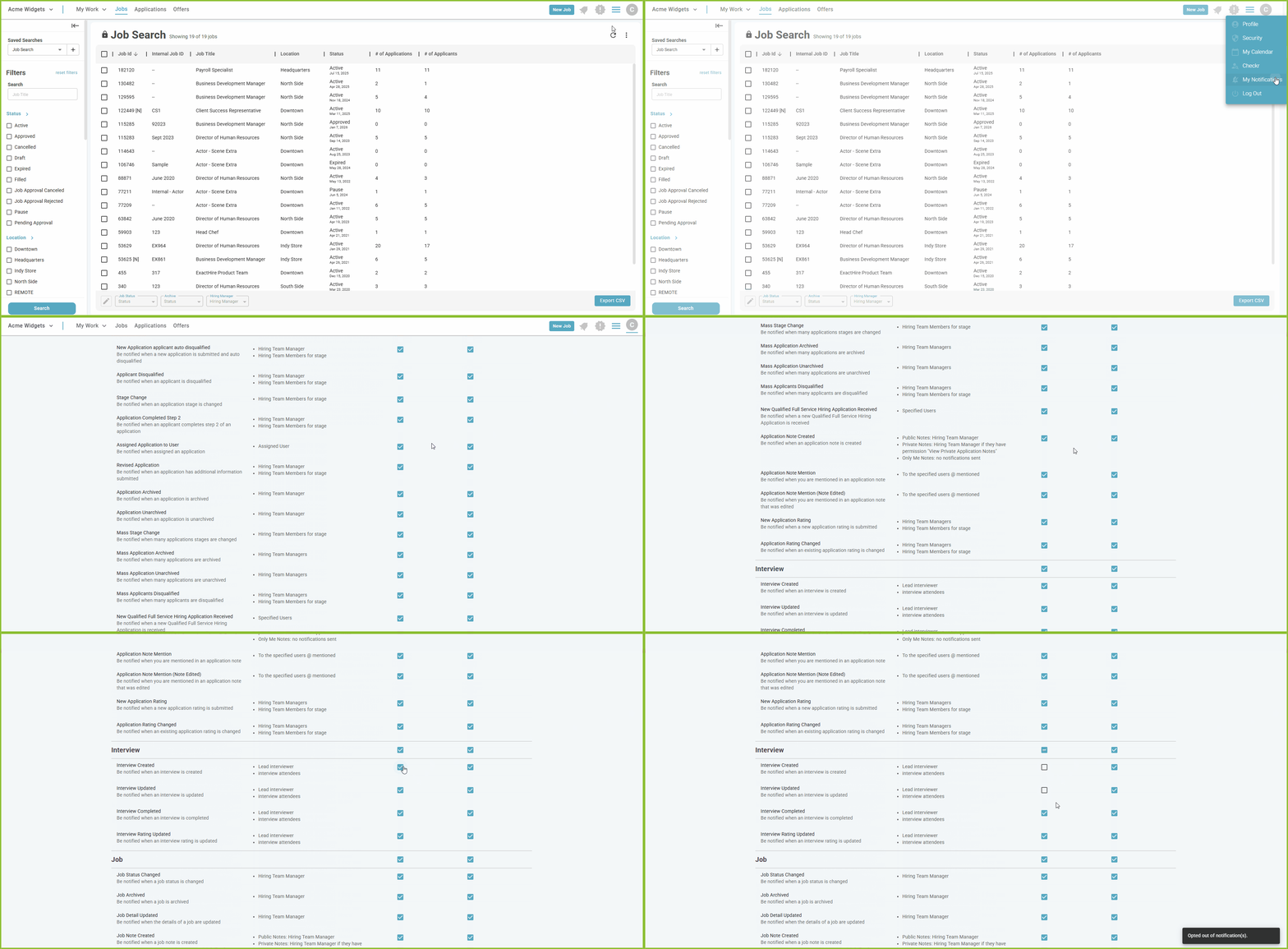
Accessing My Notifications:
-
Open the Profile icon.
-
Select My Notifications.
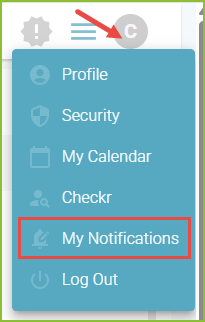
Customizing My Notifications:
-
By default, users are opted in to receive all notifications with both notification types - Email and In App.
-
To opt out of a notification, deselect the checkbox corresponding to the notification type and method.
-
To resume receiving a notification, re-select the checkbox corresponding to the desired notification type.
-
Preferences will be automatically saved, and a confirmation message will confirm the change.
-
Use the All or None option above Email and In App to quickly select or deselect all notification types.
Note: Changes to notification preferences will only affect future notifications.
View In App Notifications:
-
View In App notification using the Bell icon.
-
Expand the icon to see the list of notifications.
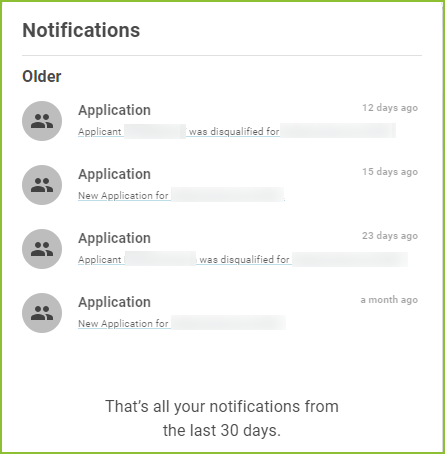
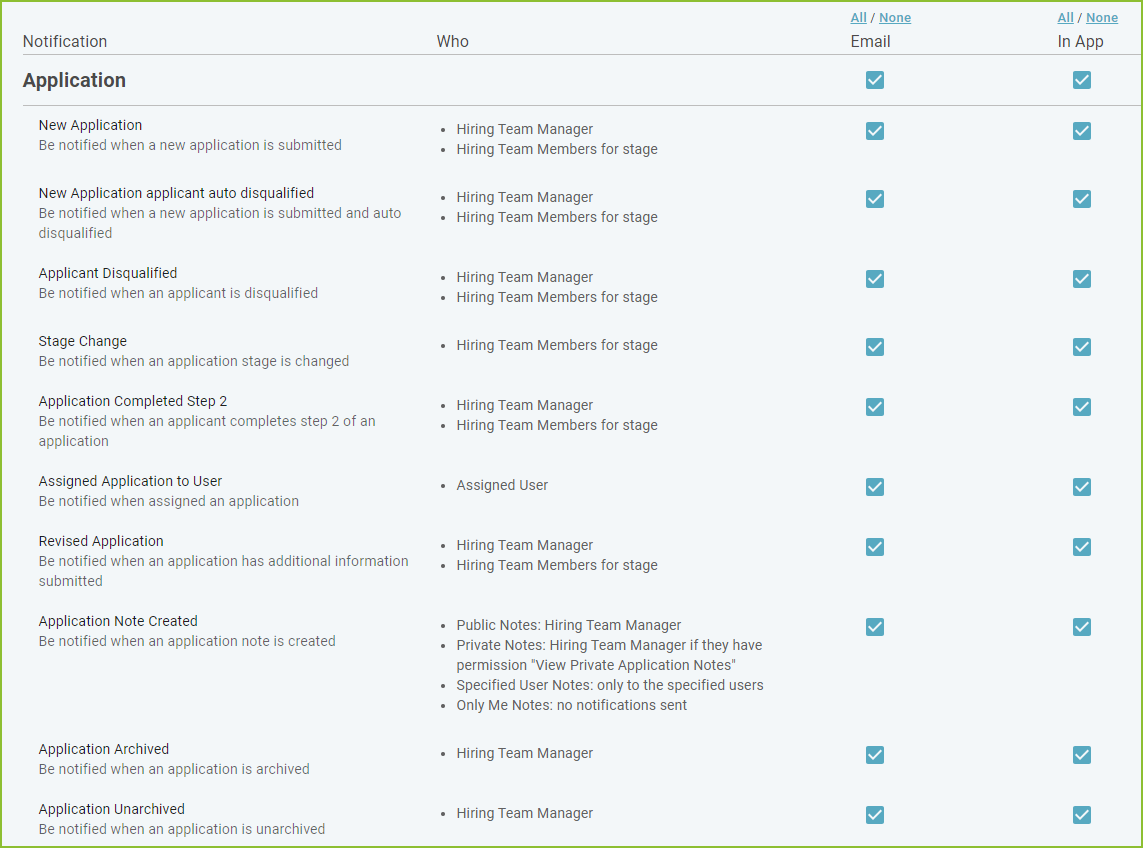
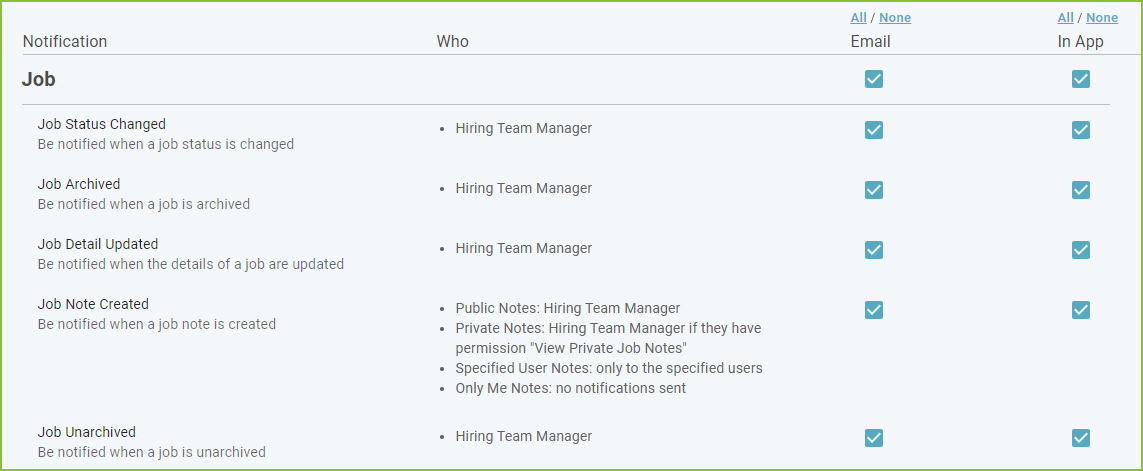
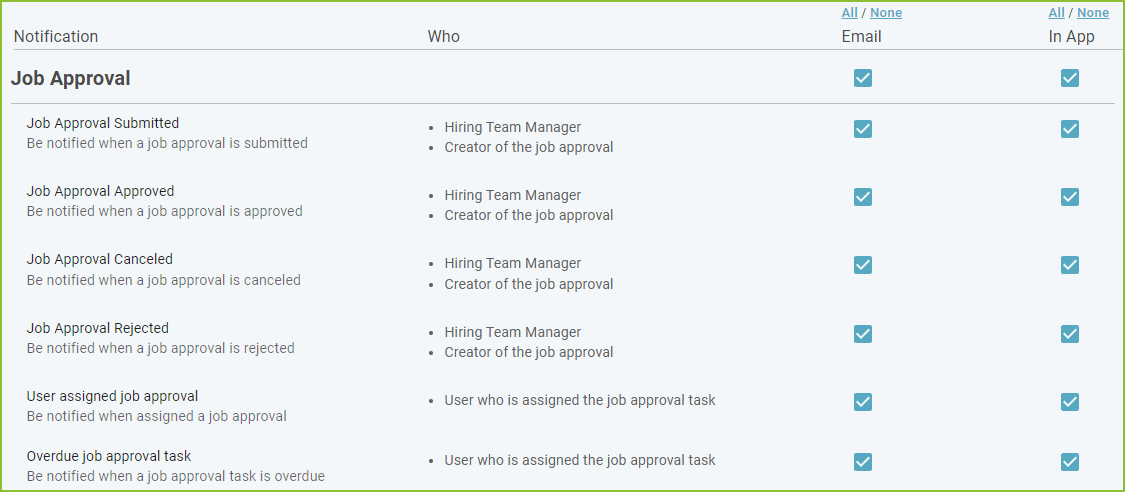
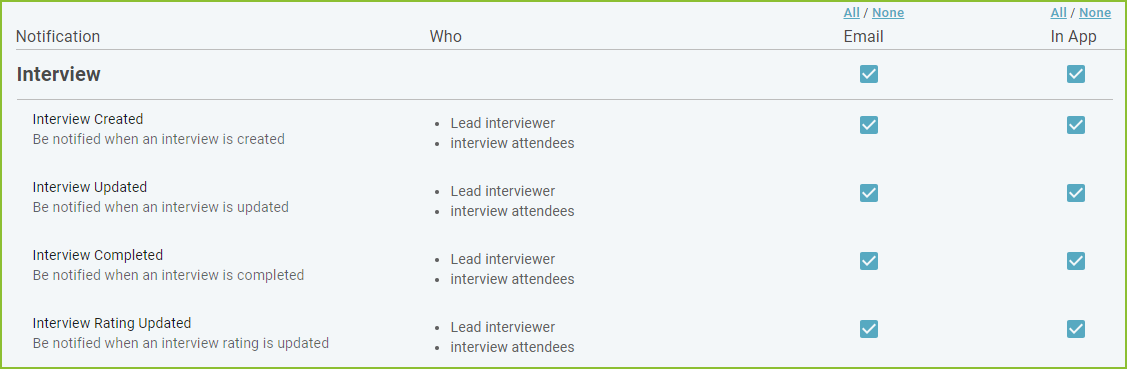
Notifications are listed by category:


Still need help? Submit a support request and our team will get back to you.