
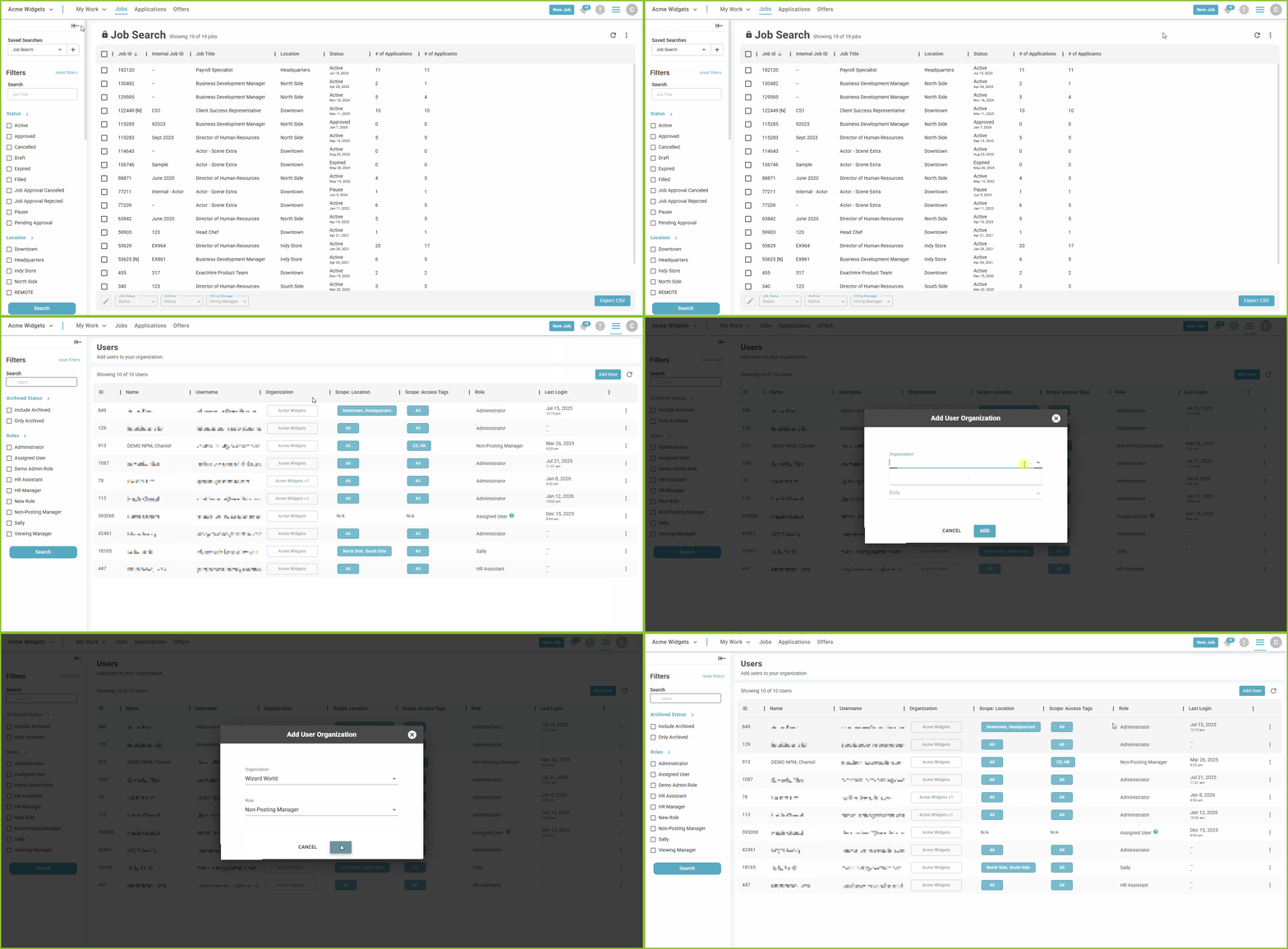
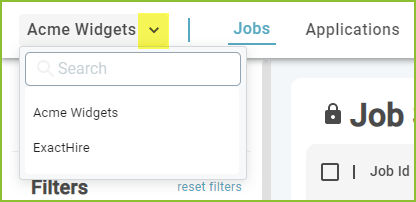
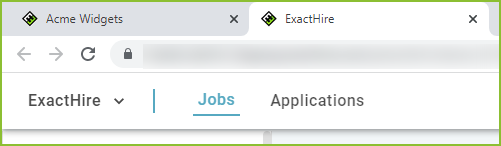
Users with access to multiple organizations may move easily between the various organizations using the organizations drop down menu.
Provide Access to Multiple Organizations to a User
-
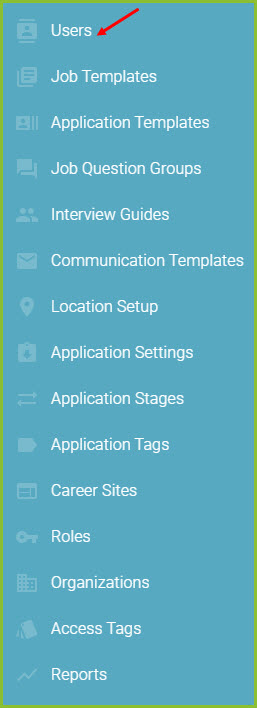
To provide access to multiple organizations to a user, begin in the Settings area.

-
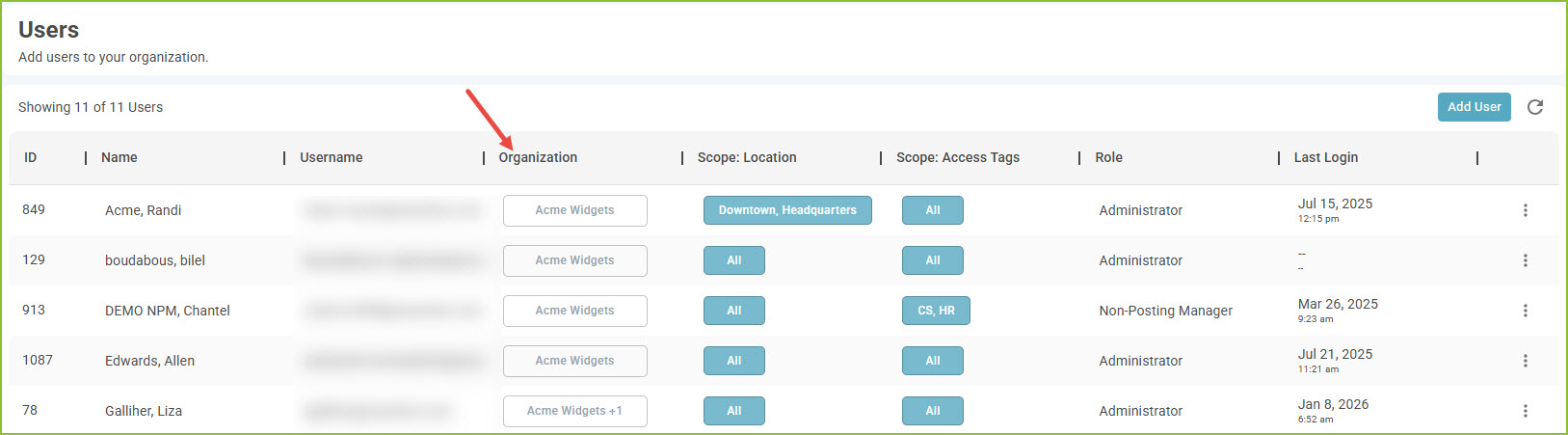
Click on Users.
-
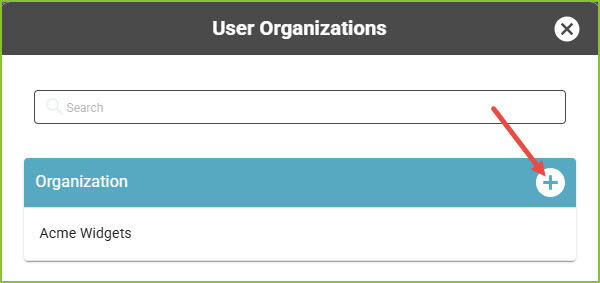
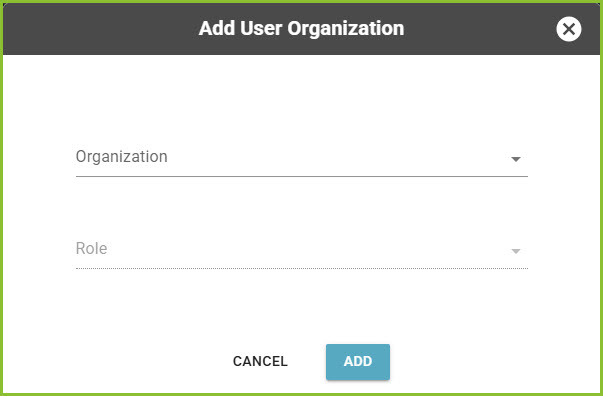
Use the Organization button to assign additional organization(s) and their corresponding role(s).
-
Click ADD to save the new selection.
To Remove Organization Access
-
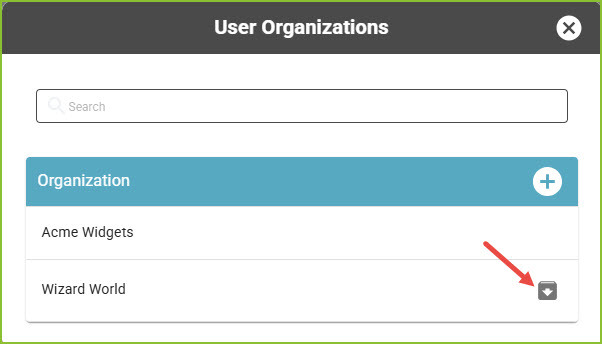
Use the archive icon to remove a user's access to an organization.
Still need help? Submit a support request and our team will get back to you.