
Users have the ability to create Locations in the system that will later be associated with the Job Templates and Job Listings.
-
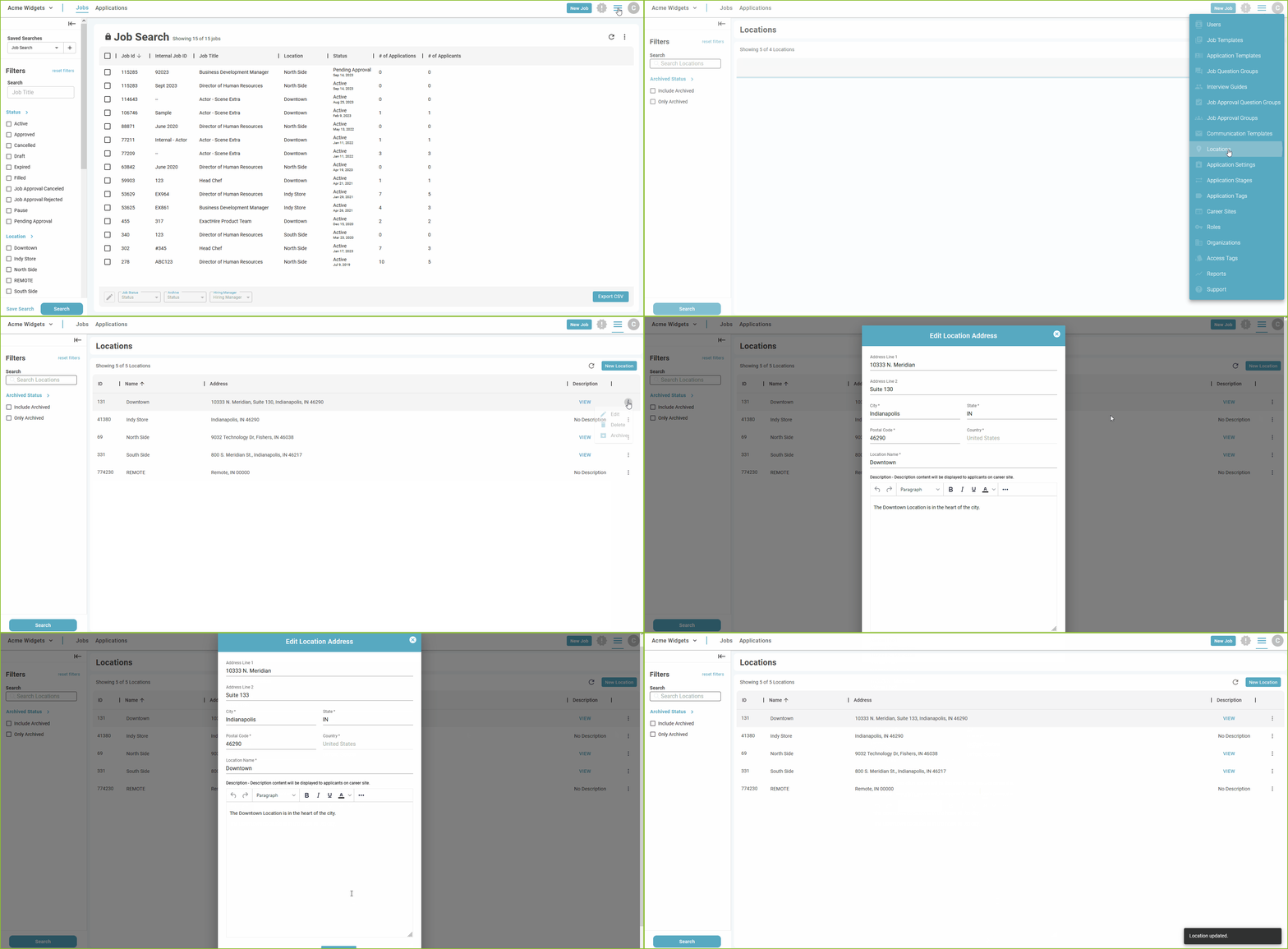
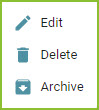
To edit a Location Setup begin in the Settings area.

-
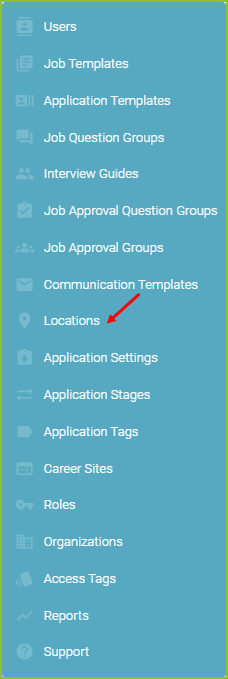
Click on Locations.
-
-
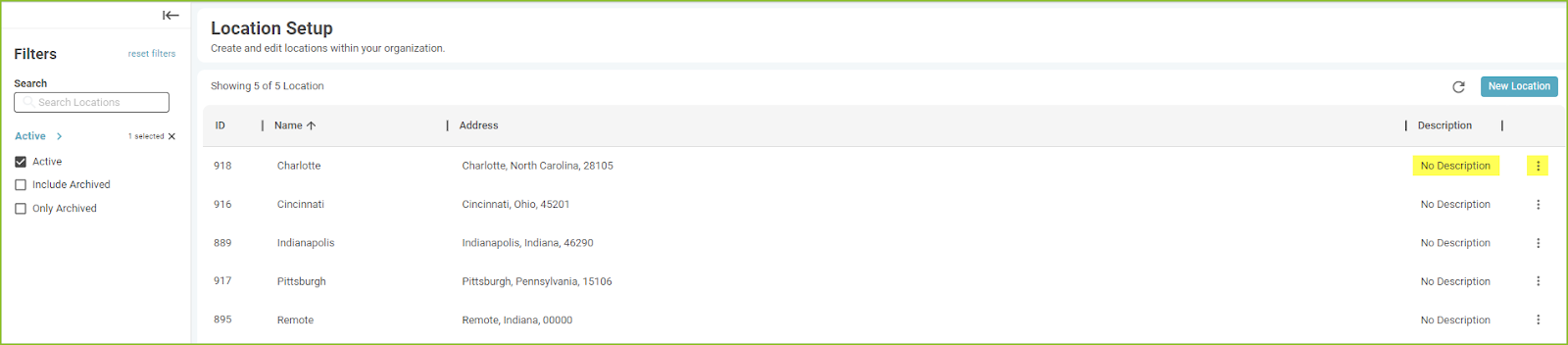
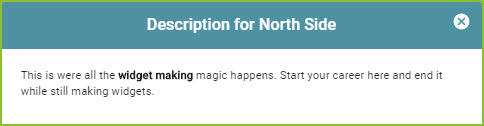
Users may view the description of the Location by using the VIEW link.
Example of the VIEW of a Location Setup.
-
-
To edit a Location simply replace the old address information with new address information in the required fields and click CONTINUE.
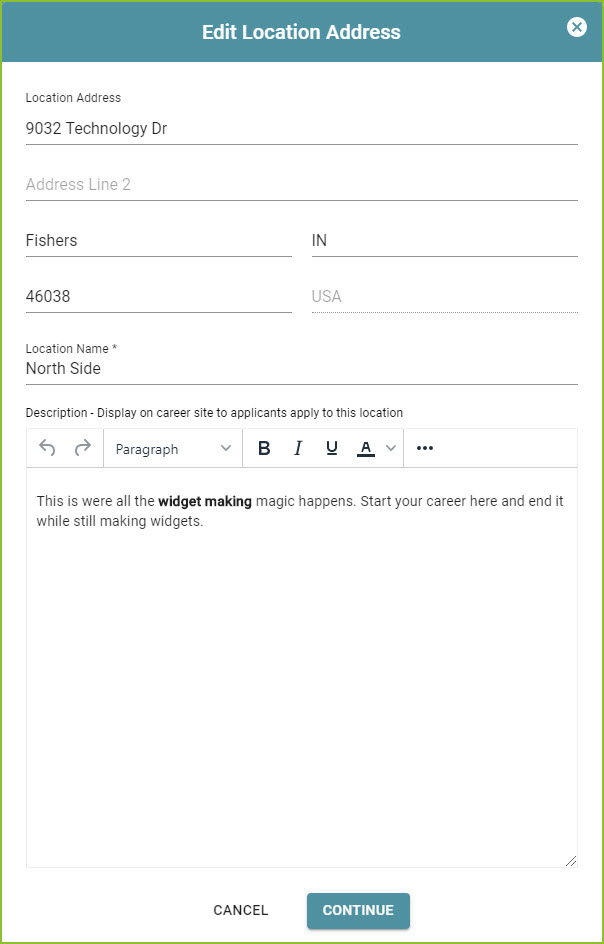
Please note portions of the Location information is also seen by applicants as they view information regarding the locations of the organization.
-
Confirmation of the change to the Location will appear on screen.

Still need help? Submit a support request and our team will get back to you.