
View information related to application activity on the Activity Tab of the Application Details.
-
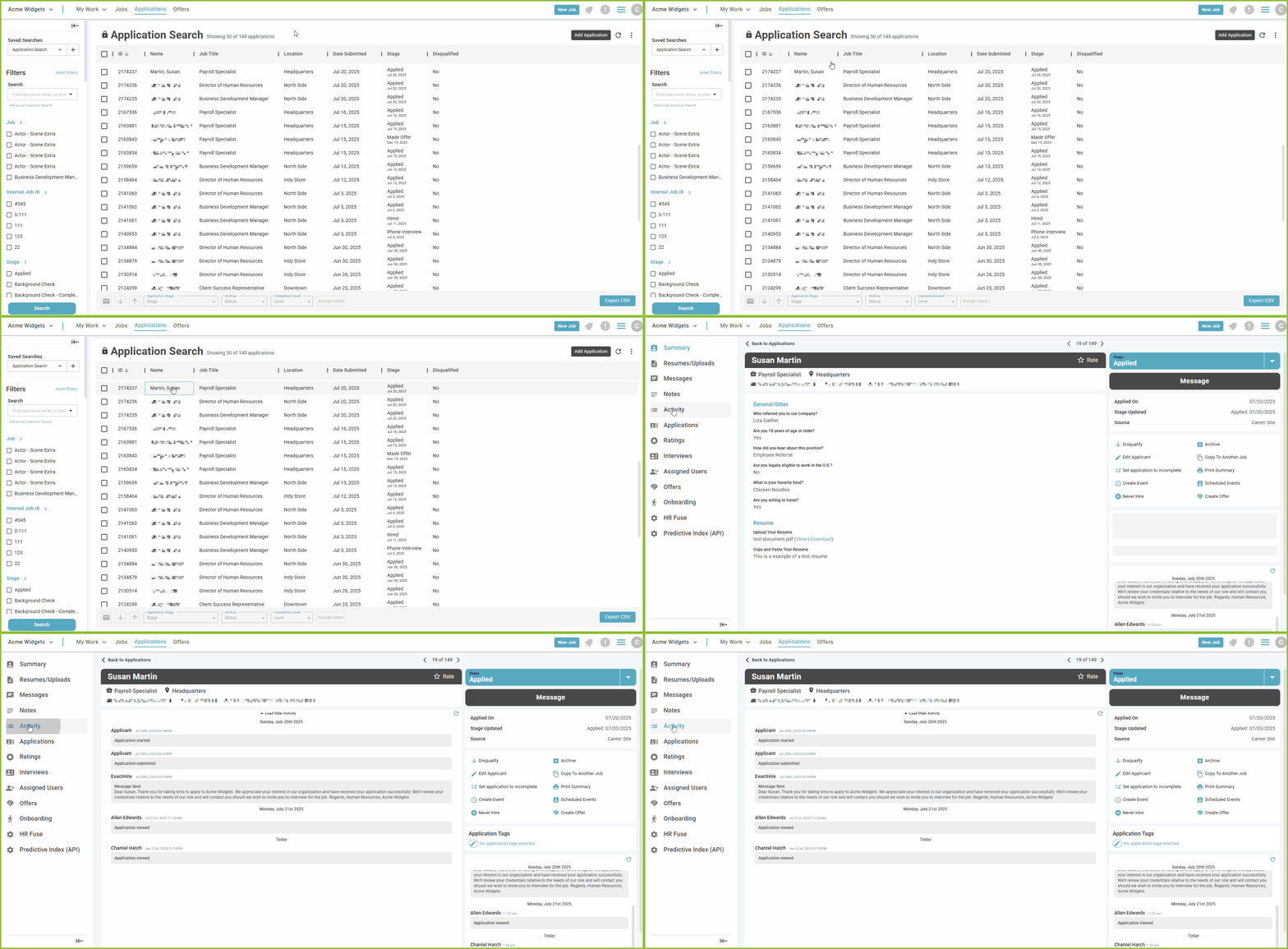
Begin by locating the applicant using the filter options available on the APPLICATIONS View.
-
Click on the applicant name to open the Application Detail.
-
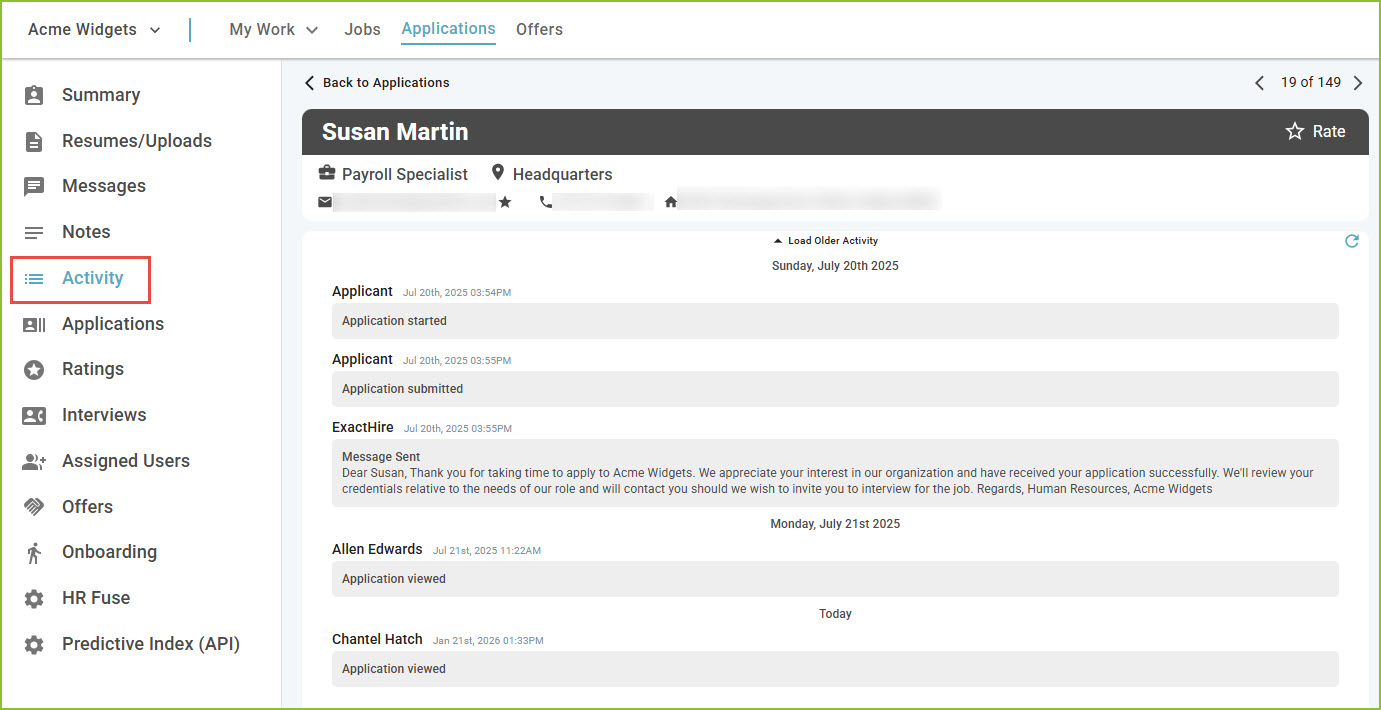
Use the Activity tab to view the application activity.
All actions corresponding to the application will be tracked chronologically in the Activity.
Still need help? Submit a support request and our team will get back to you.