
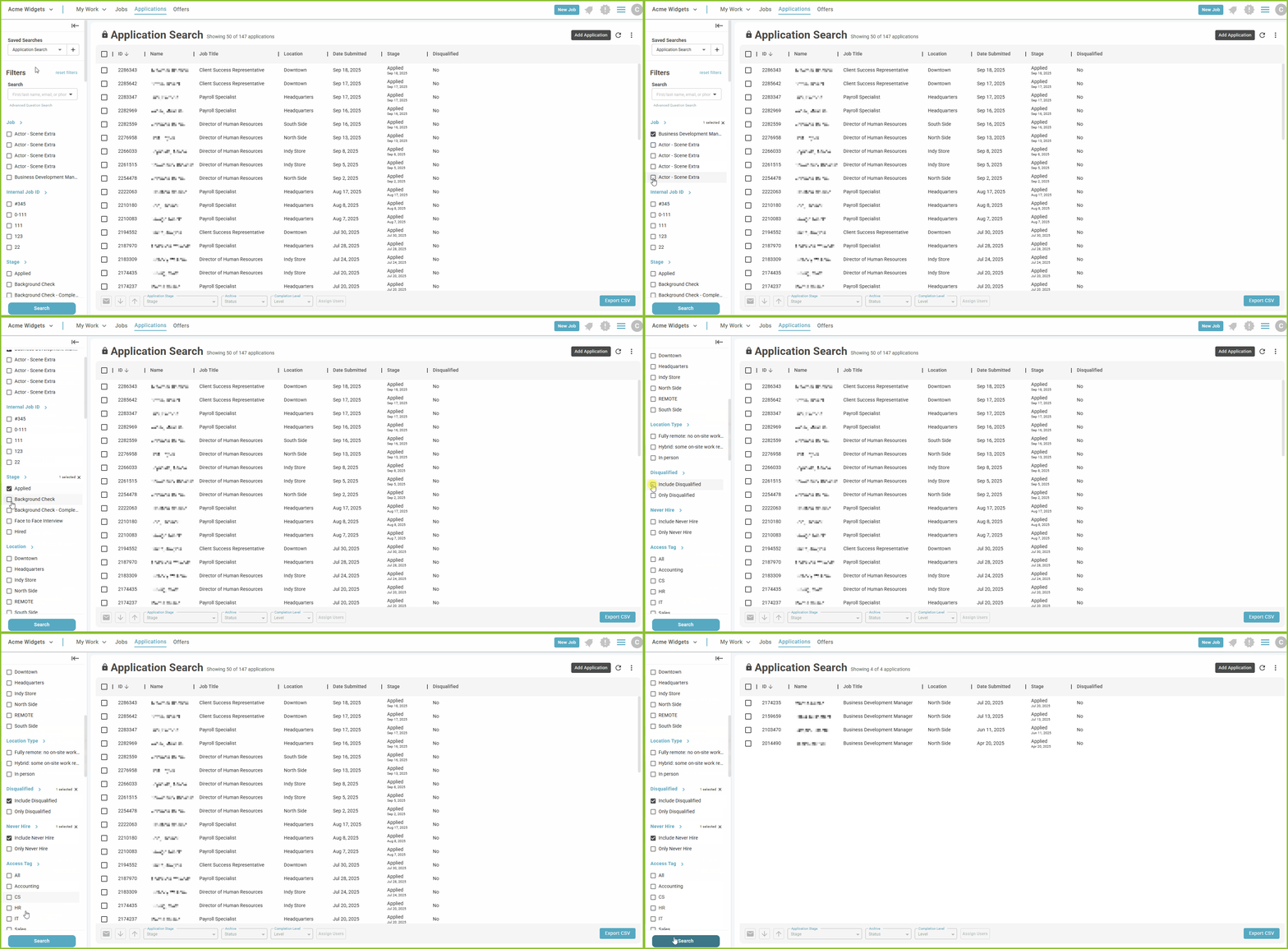
The ExactHire ATS provides Searches and Filters in the APPLICATIONS view that will allow the user to customize the information in their view.
-
Users may select items within each filter category to be included or excluded in the results view of information.
-
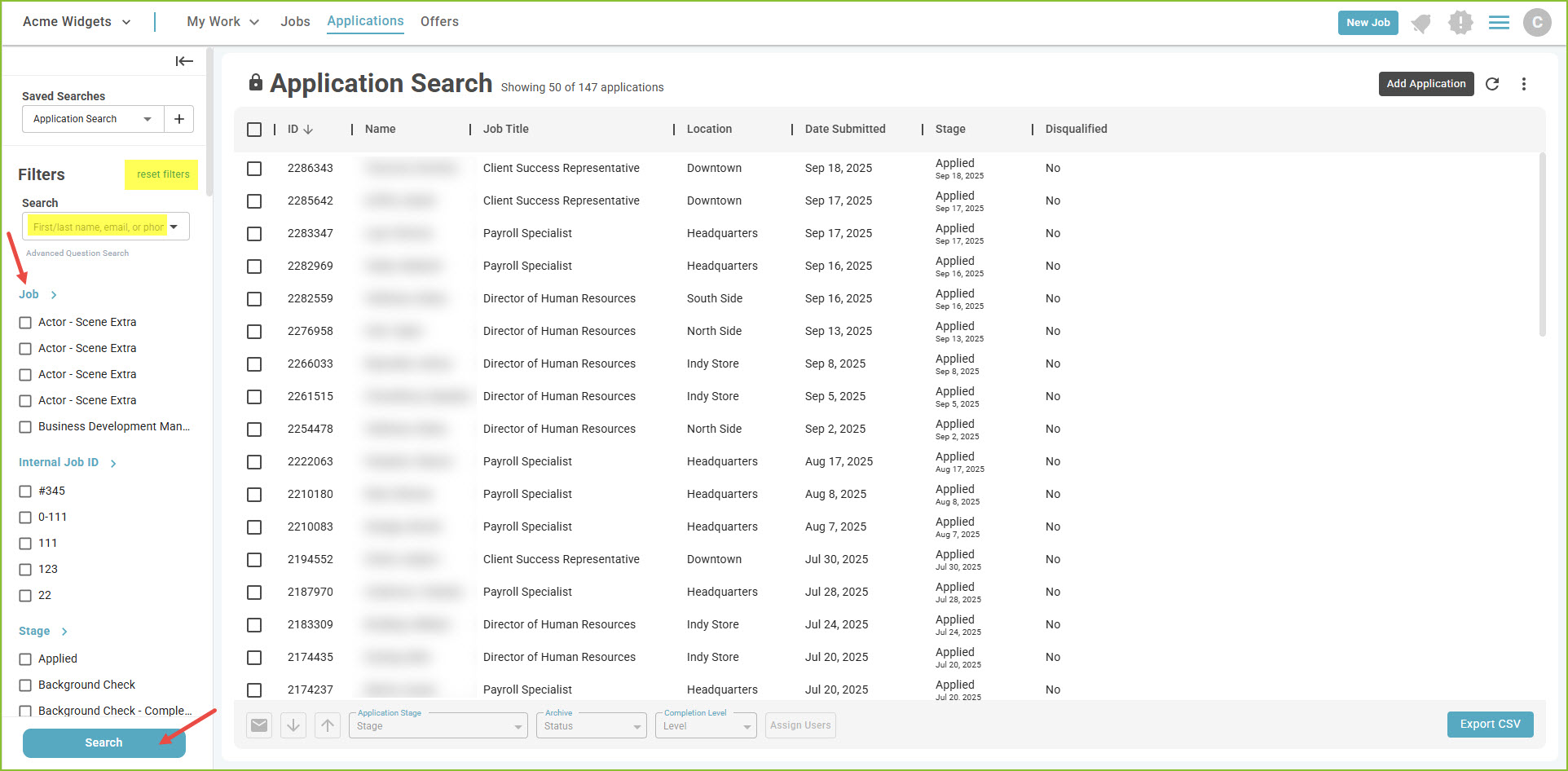
Use the Search button to refresh the view if changes are made.
-
Use the Reset Filters link to reset to the default filters.
To learn more about saving filters to reports and adding/removing columns from the view see the Insights and Saved Searches tip sheet.
Still need help? Submit a support request and our team will get back to you.