
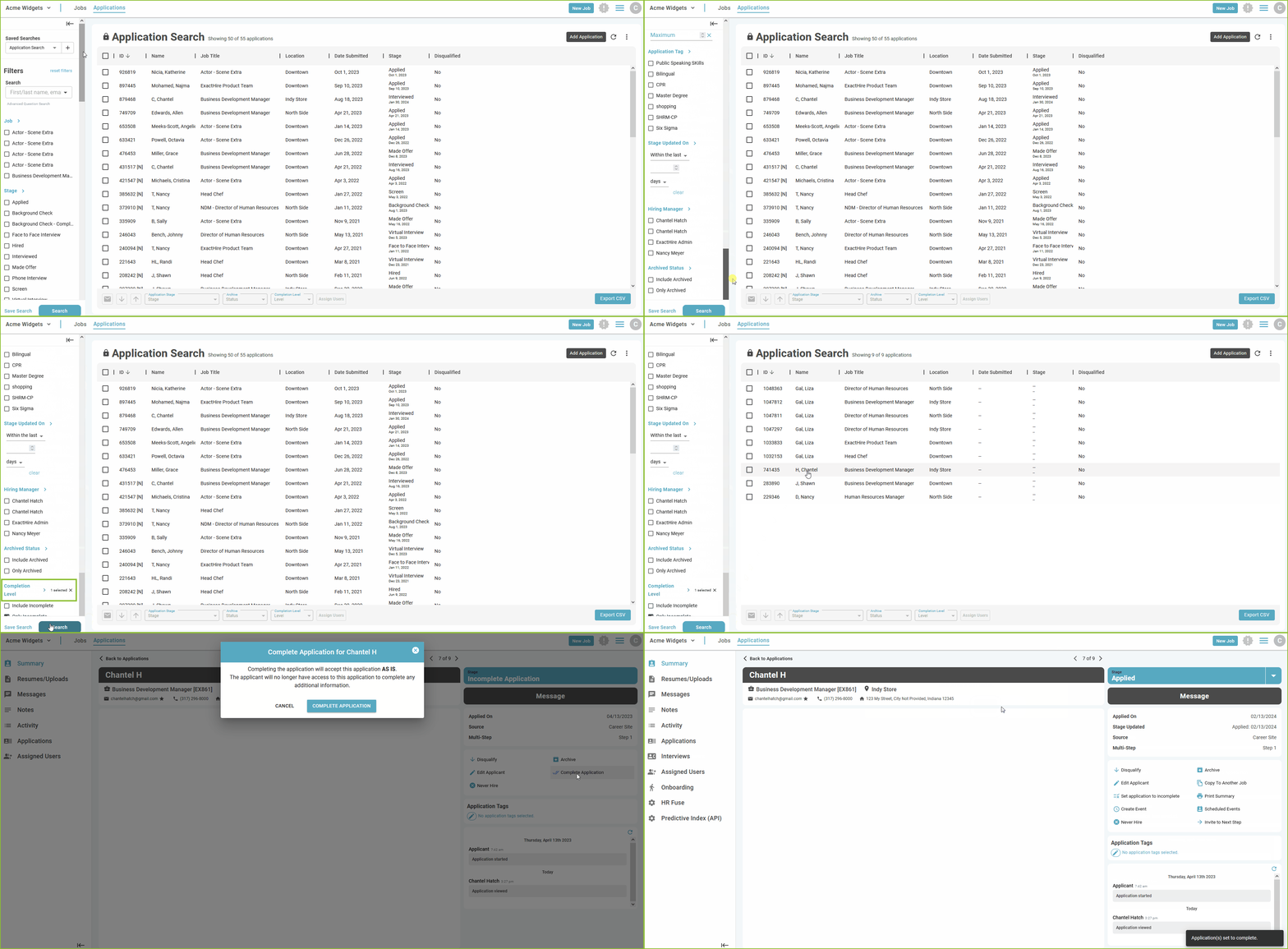
In the APPLICATIONS view use the Completion Level filter to work with incomplete applications.
Locate all Incomplete Applications
-
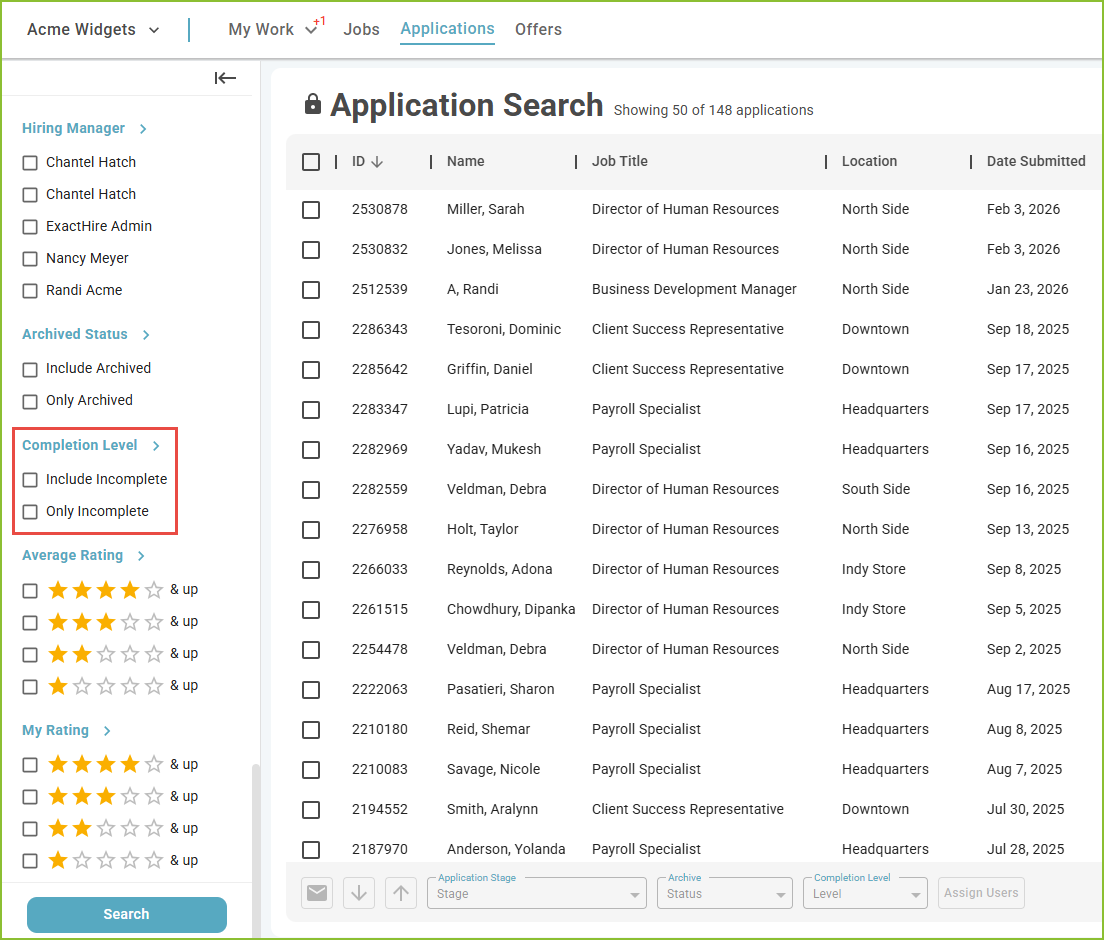
Use the Completion Level filters on the APPLICATIONS view to identify the inclusion of incomplete applications, or only incomplete applications.
Mass Changes to Completion Level - How to Set to Complete
-
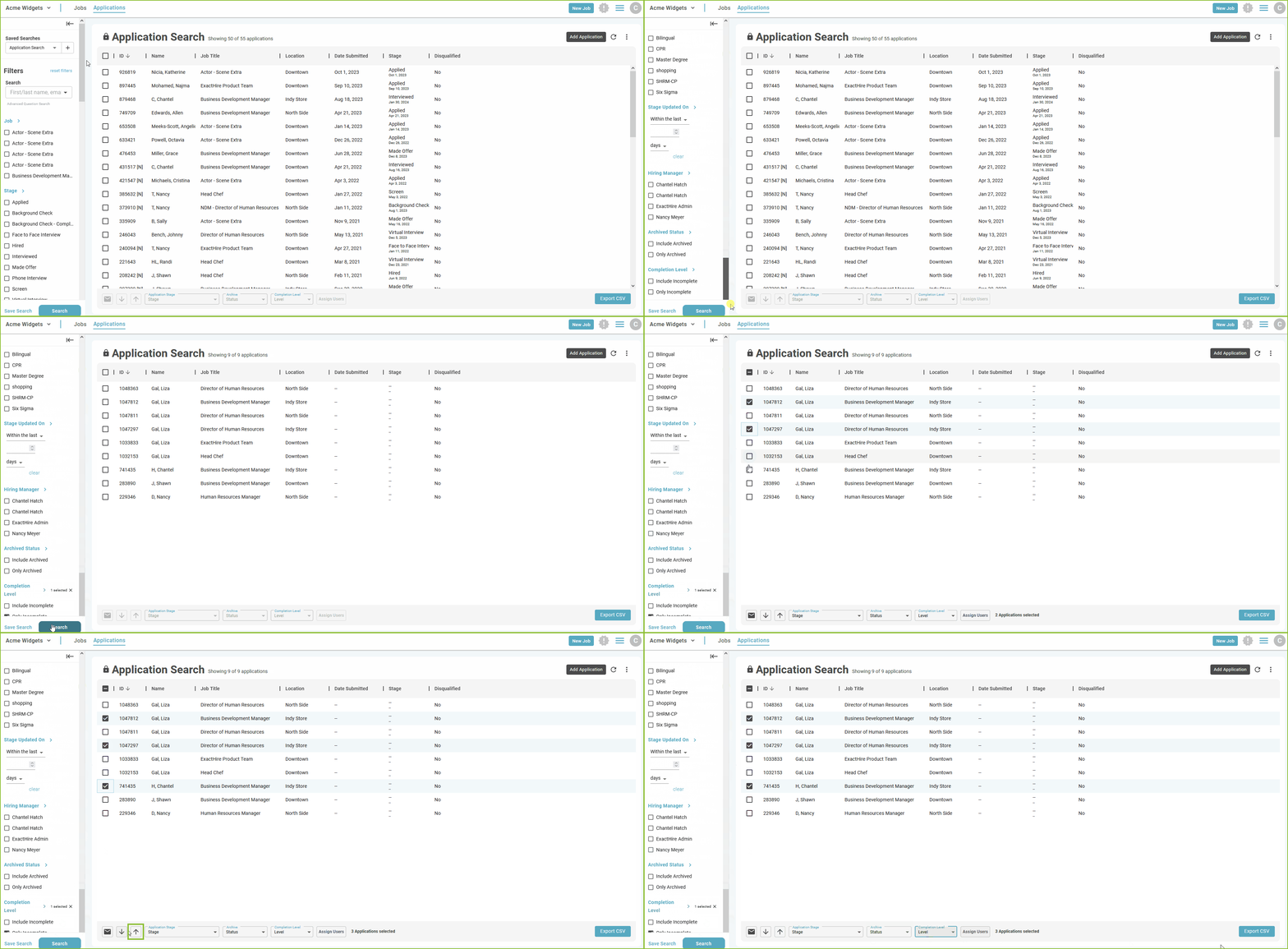
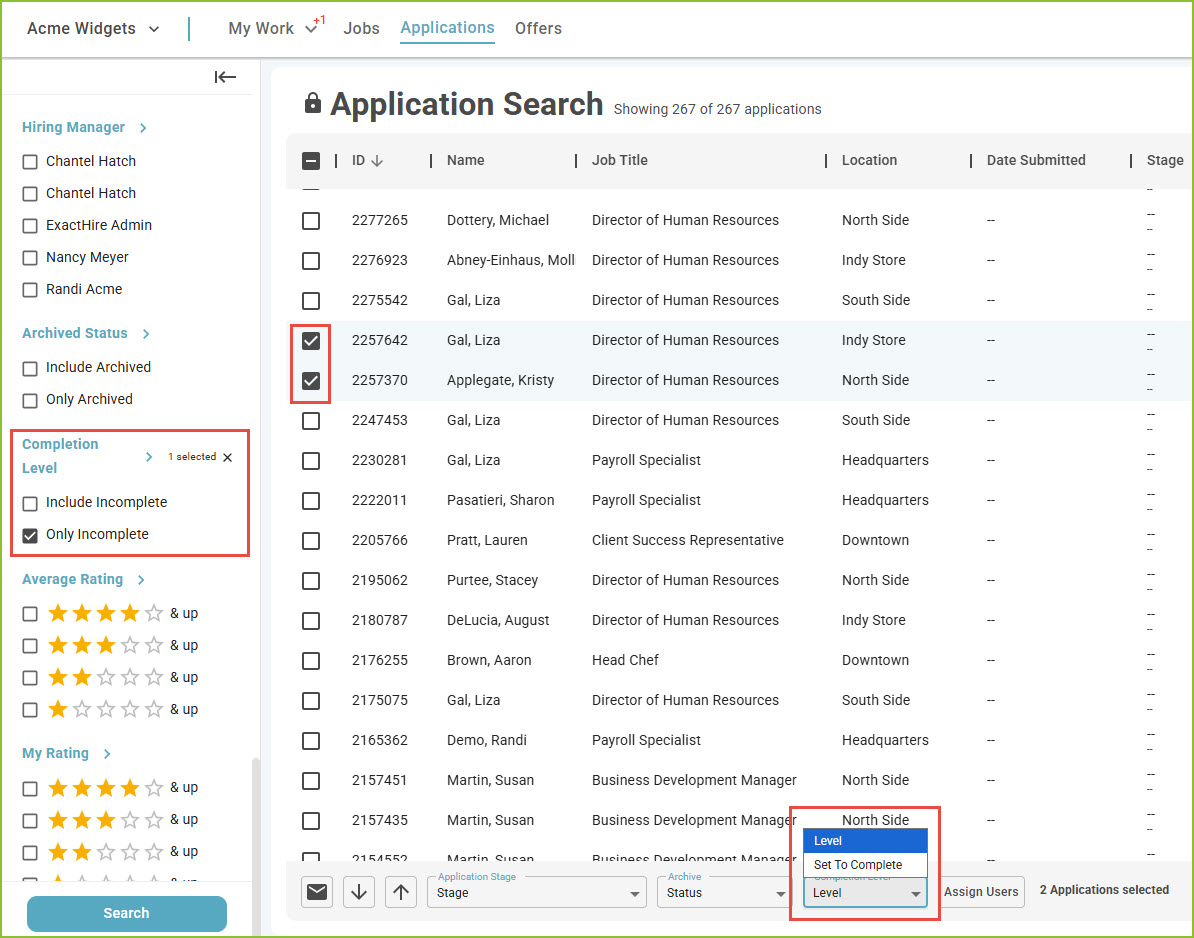
To make a mass change to the completion level of incomplete application(s), select the applicants by checking the box next to the applicant name. This will activate the mass action buttons.
-
Select Set To Complete in the Completion Level section of the mass action menu.
-
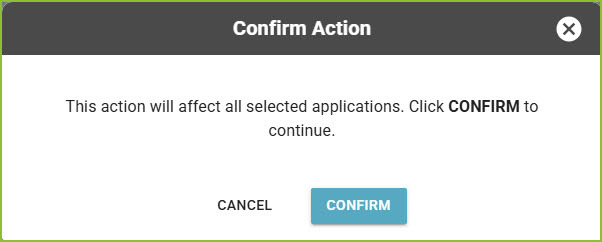
Confirm the choice to mark the application(s) as complete.
Individual Change to Completion Level - How to Complete Application
-
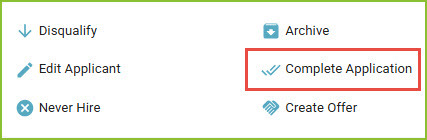
To make an individual change to the completion level of the incomplete application, open the Application Detail and use the Complete Application tool.
-
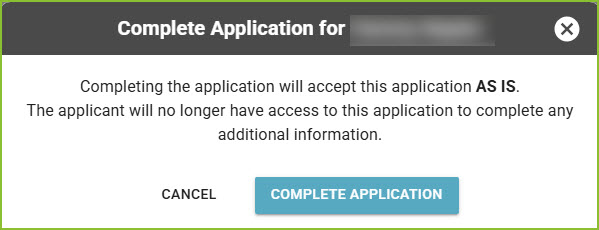
Confirm the choice to mark the application as complete.
Individual Change to Completion Level - How to Set Application to Incomplete
-
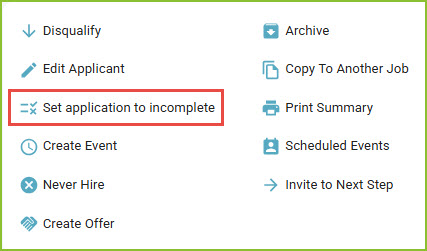
To make an individual change to the completion level of the submitted application, open the application and use the Set Application to Incomplete tool.
-
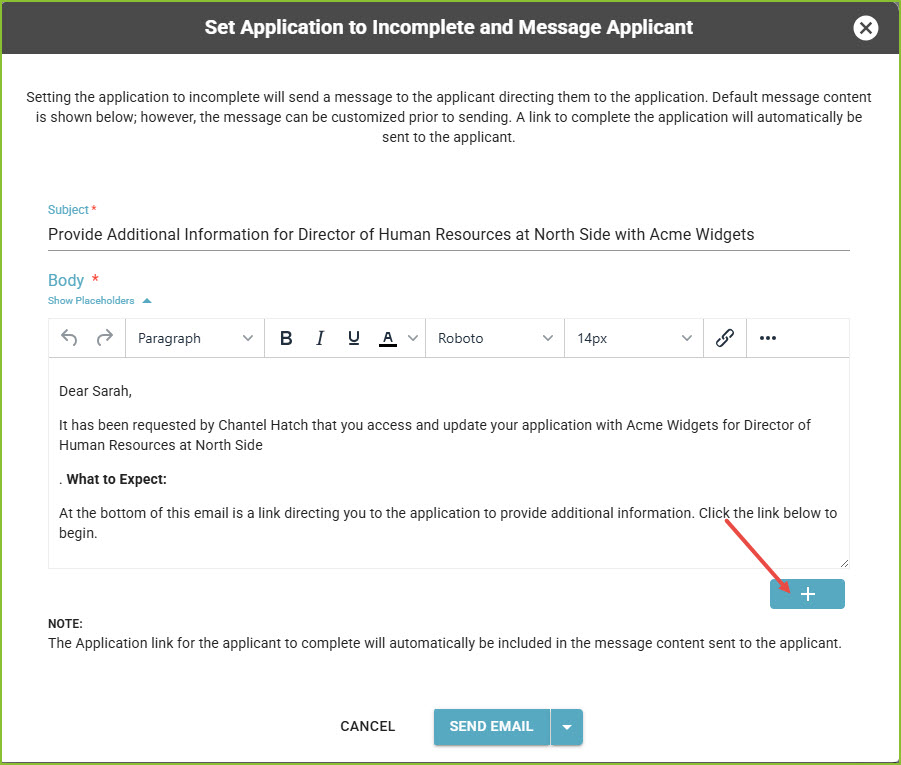
In the subsequent pop-up, click Send Email/Send SMS to set the application to incomplete and message the applicant with information to access and complete the application.
-
Optional: Use a Communication Template to provide a custom message.
-
-
Incomplete applications will not be included in the default views or reports.
-
Incomplete applications may be viewed by users, assigned to Assigned Users, sent messages, add Notes and Application Tags, as well as marked as Disqualify, Archive, and/or Never Hire.
-
Incomplete applications cannot be assigned an Application Stage.
Activity
-
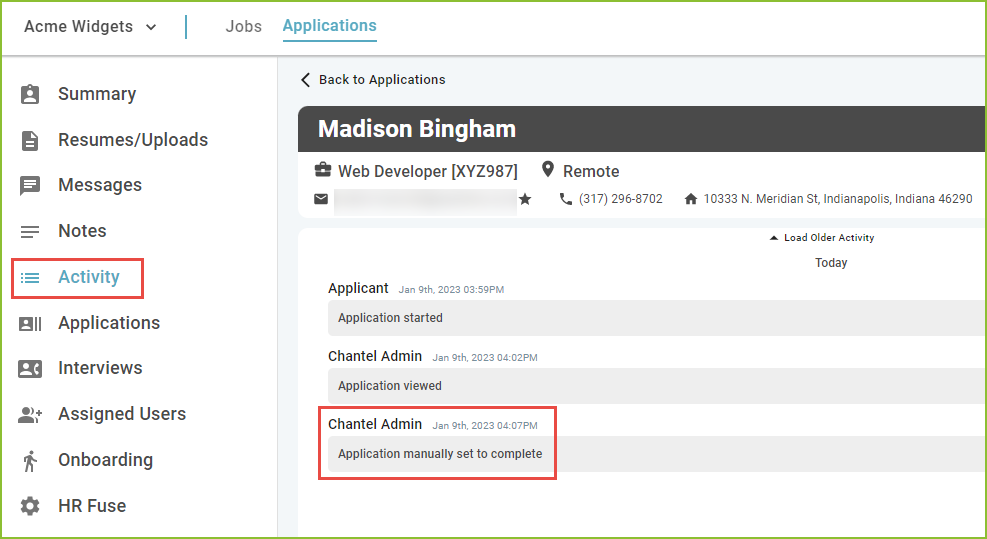
The Activity tab will allow the user to see the history of activity for the application including the notation of setting the application to complete and/or incomplete.
Still need help? Submit a support request and our team will get back to you.