
Users may wish to attach additional files to an application.
-
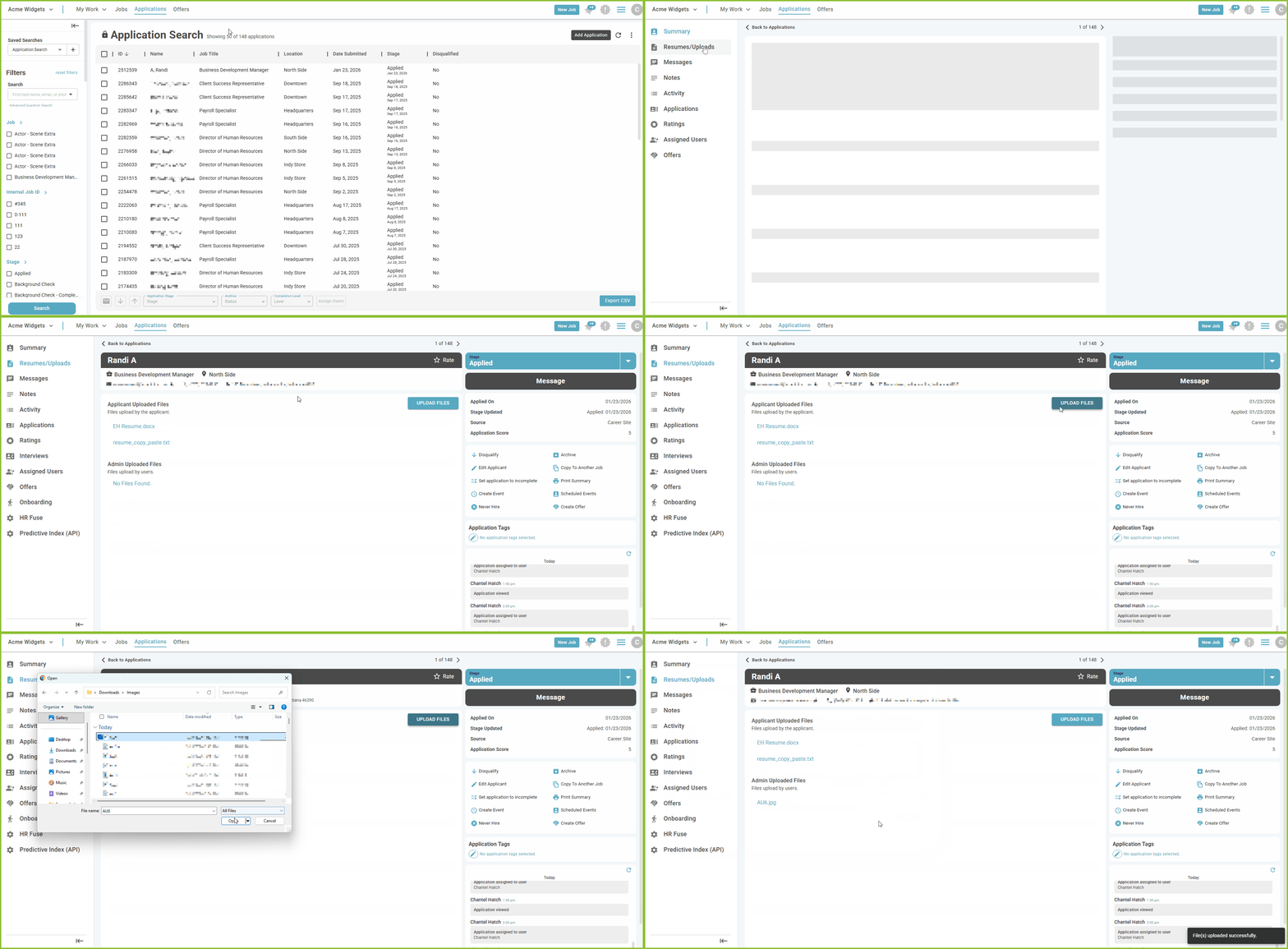
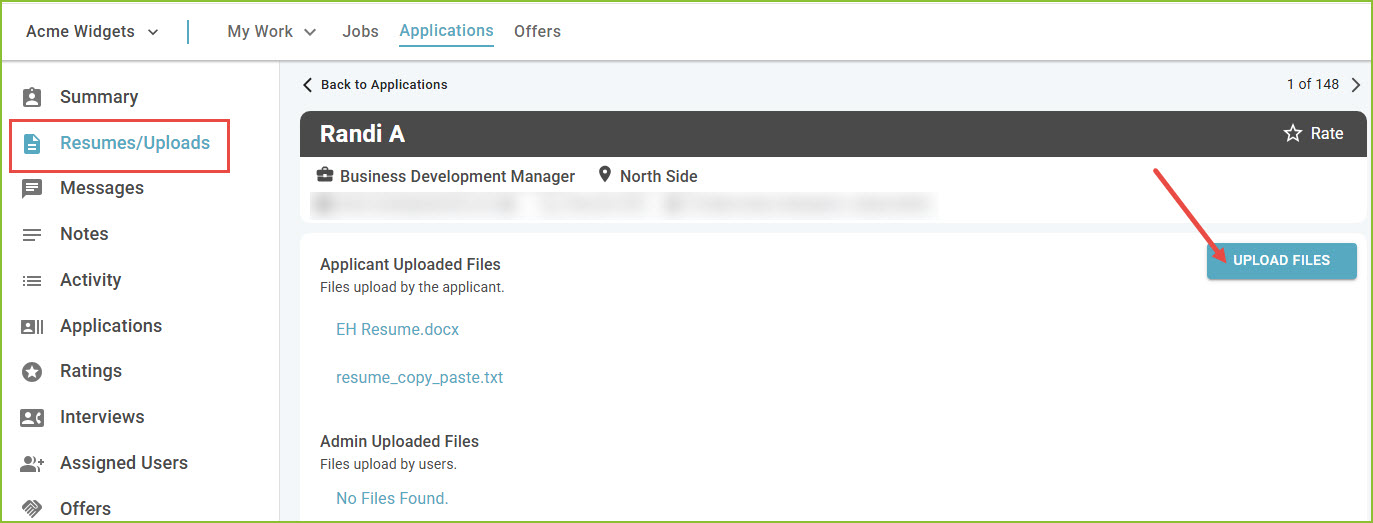
To attach files to an application, navigate to the Resume/Uploads tab of the Application Details.
-
Use the Upload Files button to browse and locate the file(s) to be added. Select to add the file(s).
NOTE: Files must be smaller than 2MB, individually.
-
Confirmation of upload will appear.

Still need help? Submit a support request and our team will get back to you.