
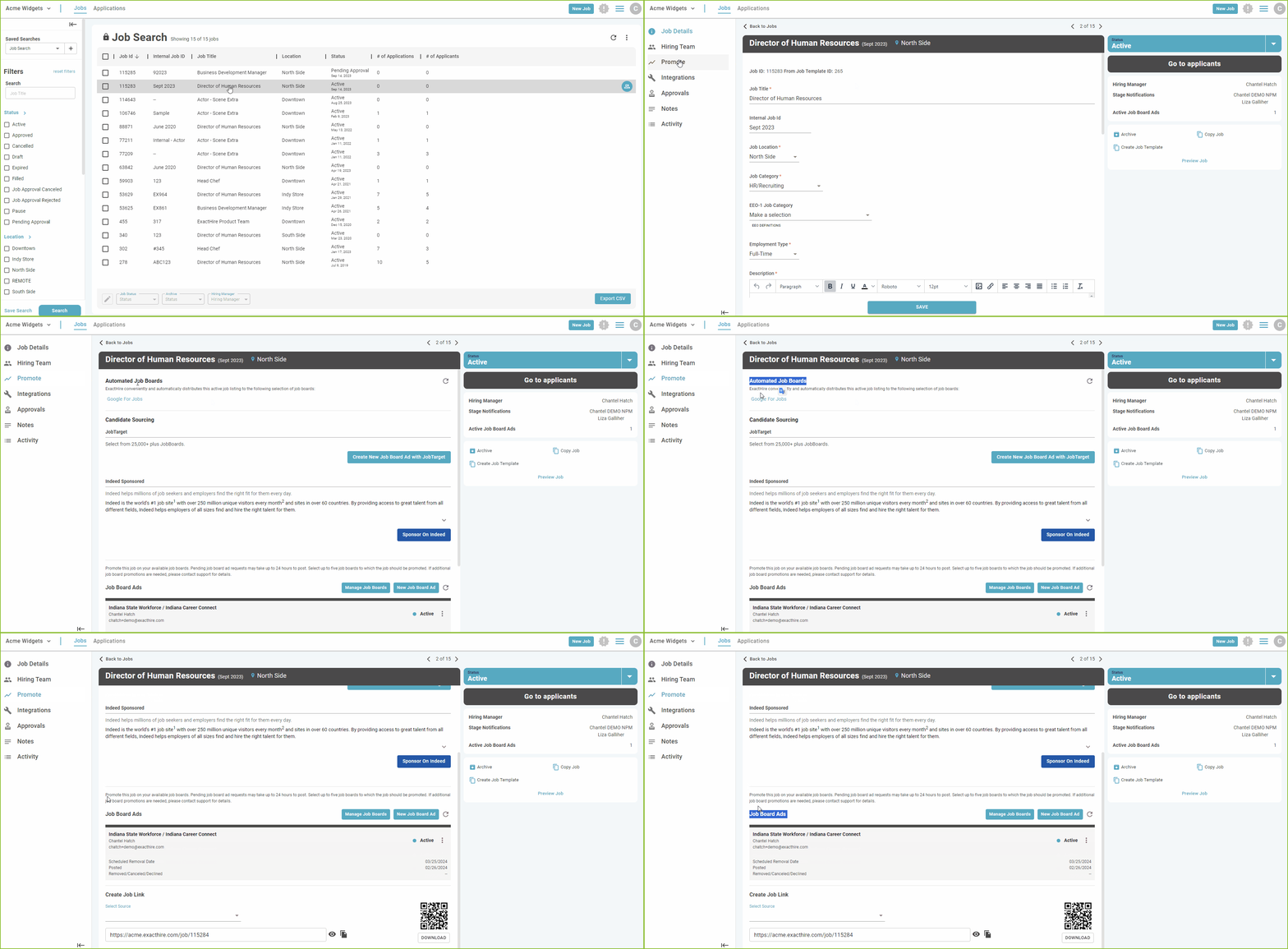
To see information about a certain job shared through the Promote features, locate the job in the JOBS view by using the available filters.
-
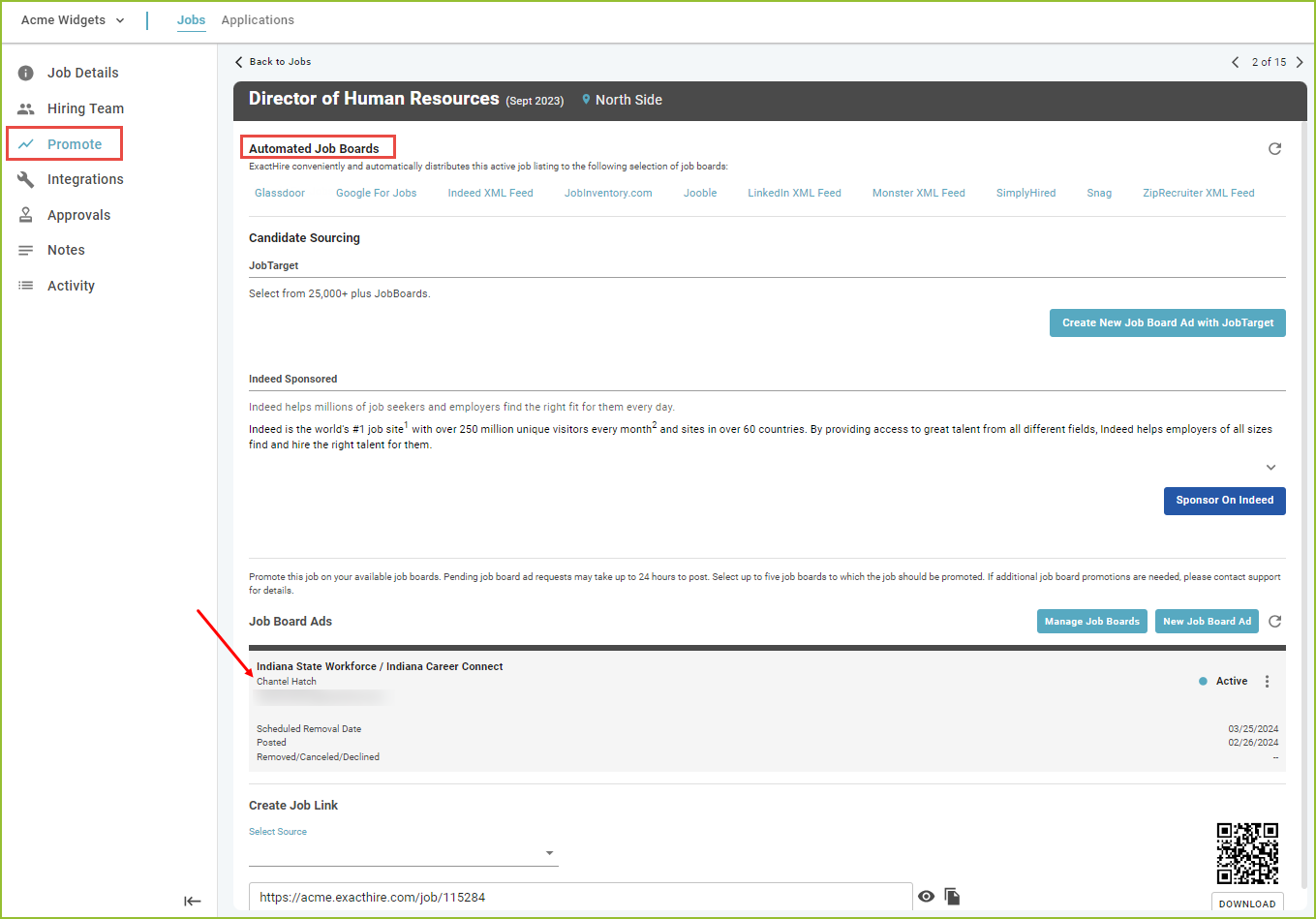
Click on the job title to open the job DETAILS. Use the PROMOTE tab to see where the job was shared.
-
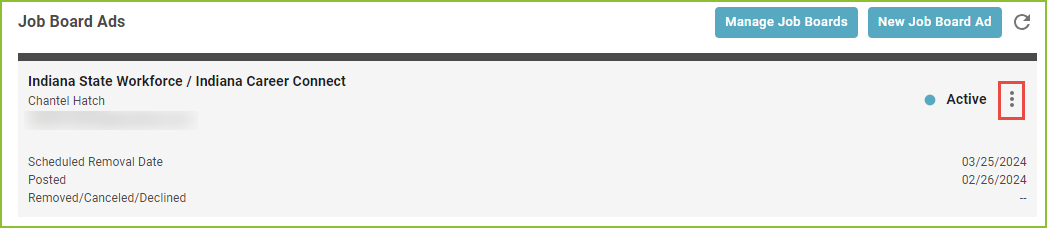
Use the More Options menu to cancel or remove the posting prior to the natural expiration of the post, if needed.
Please note: External job posts created manually by using the Create a Job Link feature will not be tracked by the system.
See Also:
ExactHire: Reports - Job Board Ad Tracking Report
Still need help? Submit a support request and our team will get back to you.