
Users have the ability to add Notes related to the Job in the NOTES tab of the Job.
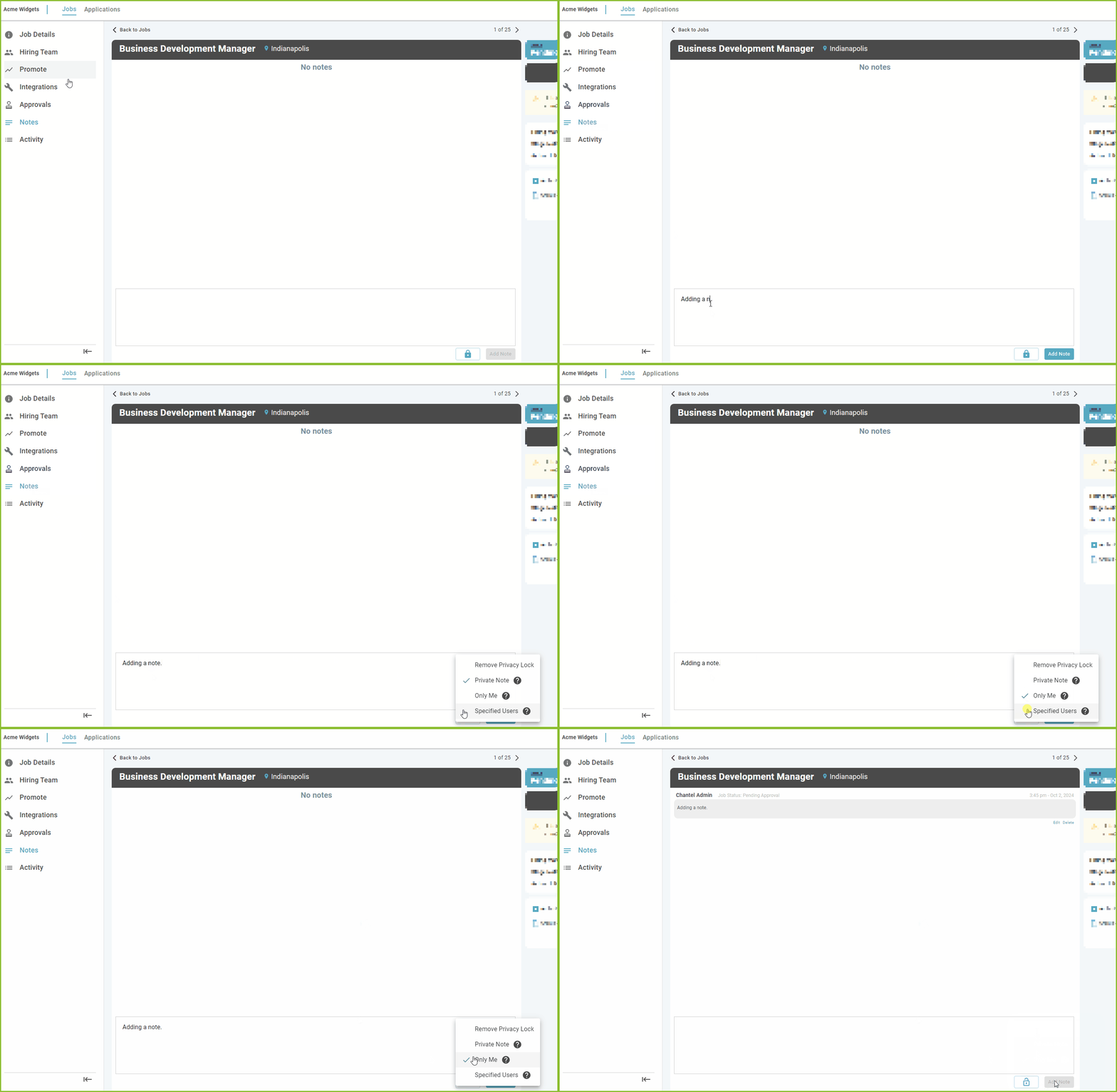
Notes will be tracked chronologically in the Notes tabs of the Job. Notes are not visible to the applicant, and are only available in the ExactHire ATS.
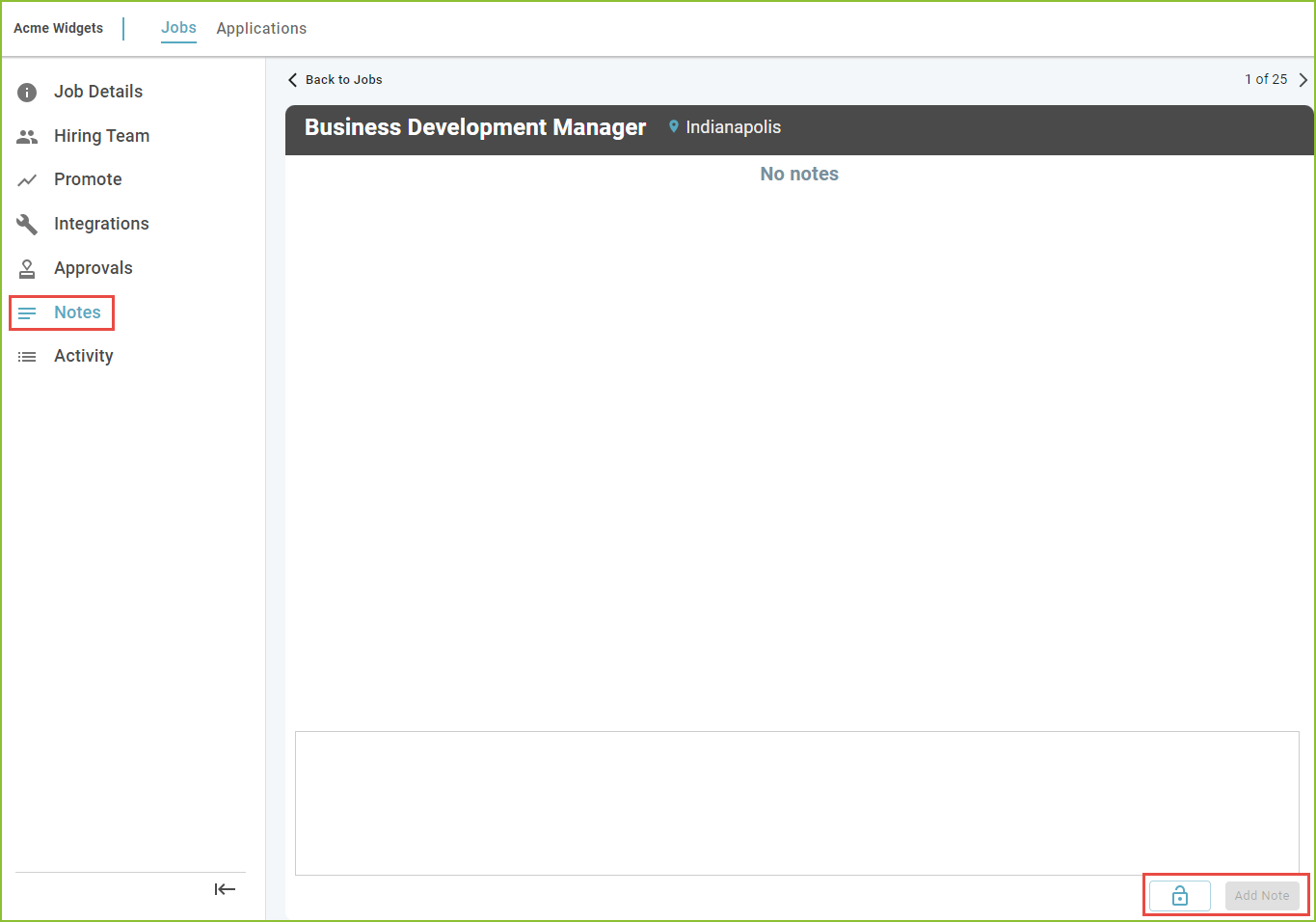
Privacy Options:
Privacy options are contained within the Lock Menu. Users may select only one privacy option per note entry.
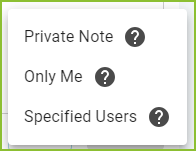
Public Notes are visible to all users. There is no icon denotation.


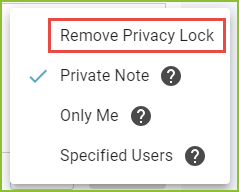
To deselect privacy options, select the Remove Privacy Lock option from the Lock menu. Please note, this option only appears if a privacy option is selected.
Edit and/or Delete a Note
Please note: The ability to edit or delete notes is provided by specific Role permissions.
To edit a previously entered note, click Edit below the note to be modified.
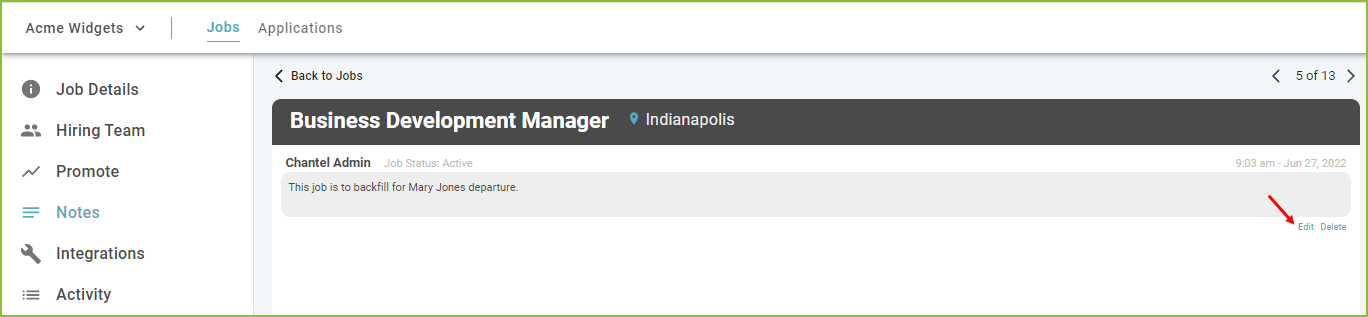
The note entry box will open and allow the text to be altered. Click Confirm.

The amended note will be saved, including a notation indicating the name of the user who made the edit.

Please note: The note type may not be changed during the edit process.
To delete a previously entered note, click Delete below the note to be removed.
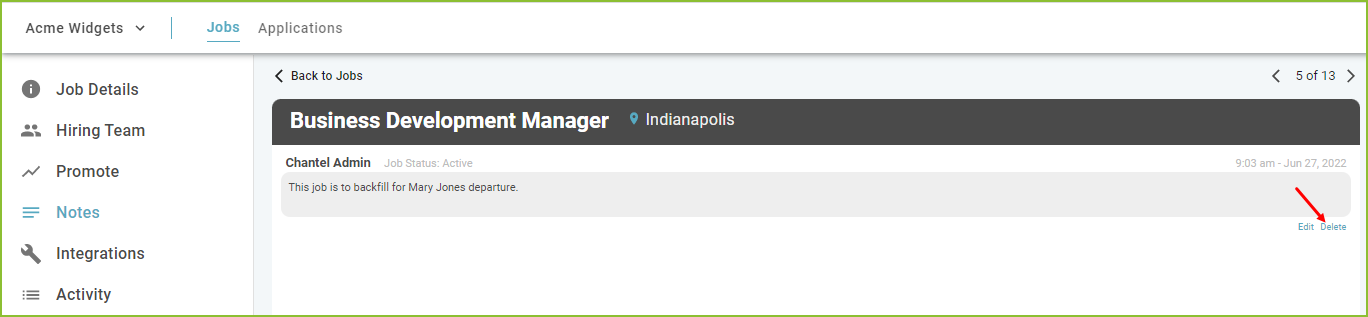
Click DELETE to confirm.
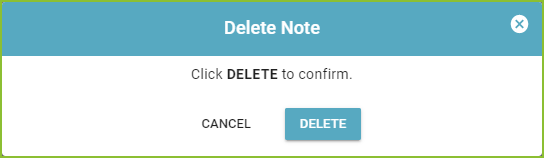
Confirmation will appear on screen.

Notes on the JOBS View
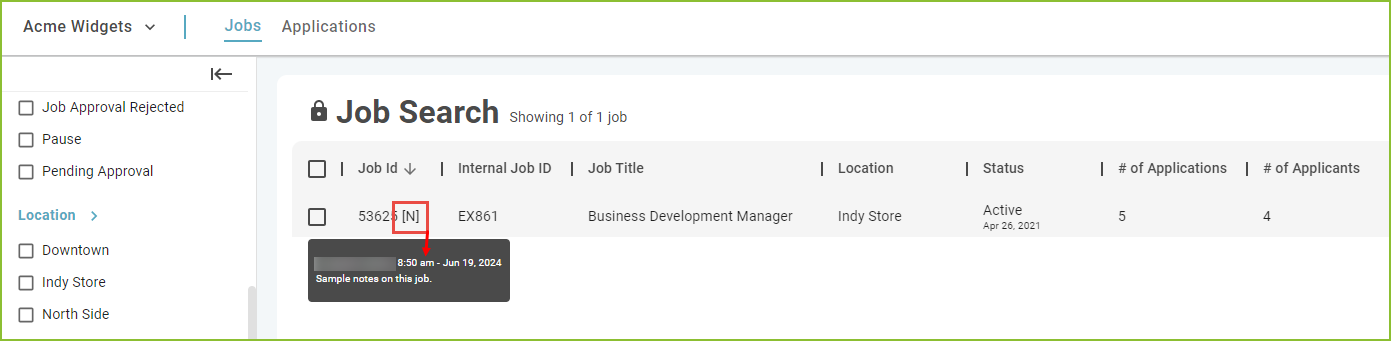
The note indicator [N] will appear on the JOBS view to allow the user quick access to the notes. Hover over the [N] to display the notes.
Still need help? Submit a support request and our team will get back to you.