
Jobs may be archived in their current job status. Archived jobs are never visible on the applicant facing Career Site regardless of Job Status and are hidden, by default, in the user's JOBS view.
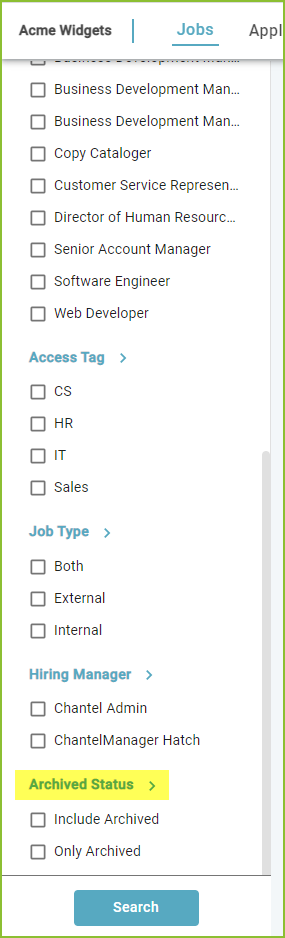
Use the Archive Status insight to include archived jobs in the view.
Archive Jobs in Mass
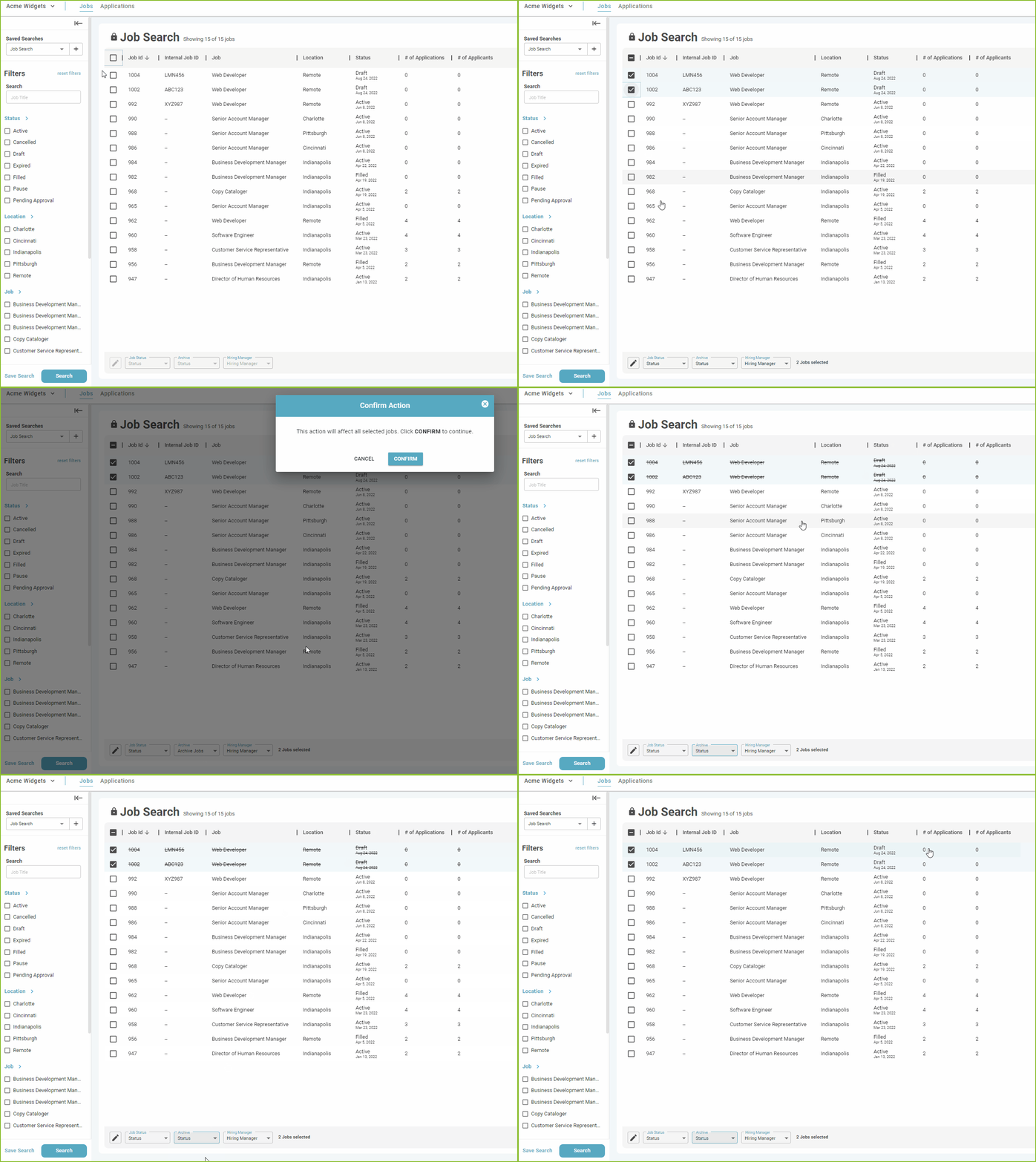
The Archived feature, found in the JOBS view, will allow a user to make a change to the job archive status of several jobs with minimal actions.
Select the job(s) that should have the archive status change by clicking the checkbox or using the select all checkbox.
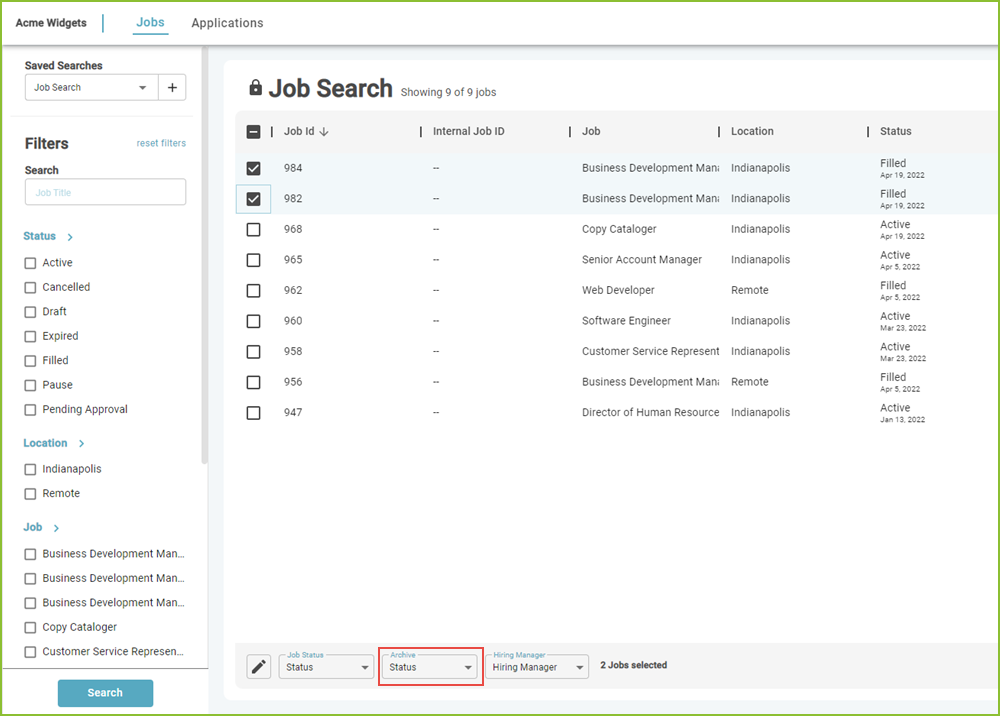
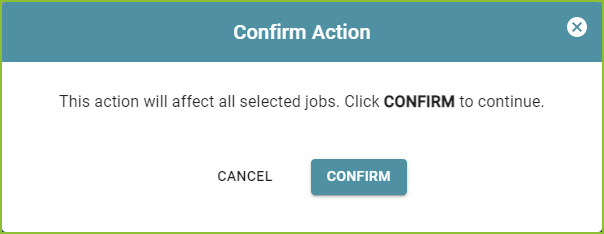
Use the drop down menu to select the Archive Jobs and click Confirm.
The Jobs that have been archived appear with a strikethrough.
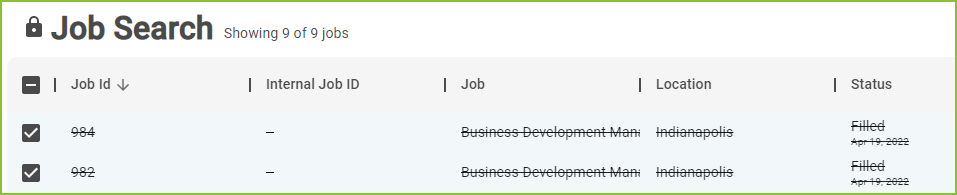
Follow the same steps to unarchive several jobs by selecting Unarchive Jobs in the Archive menu.
Archive Jobs Individually
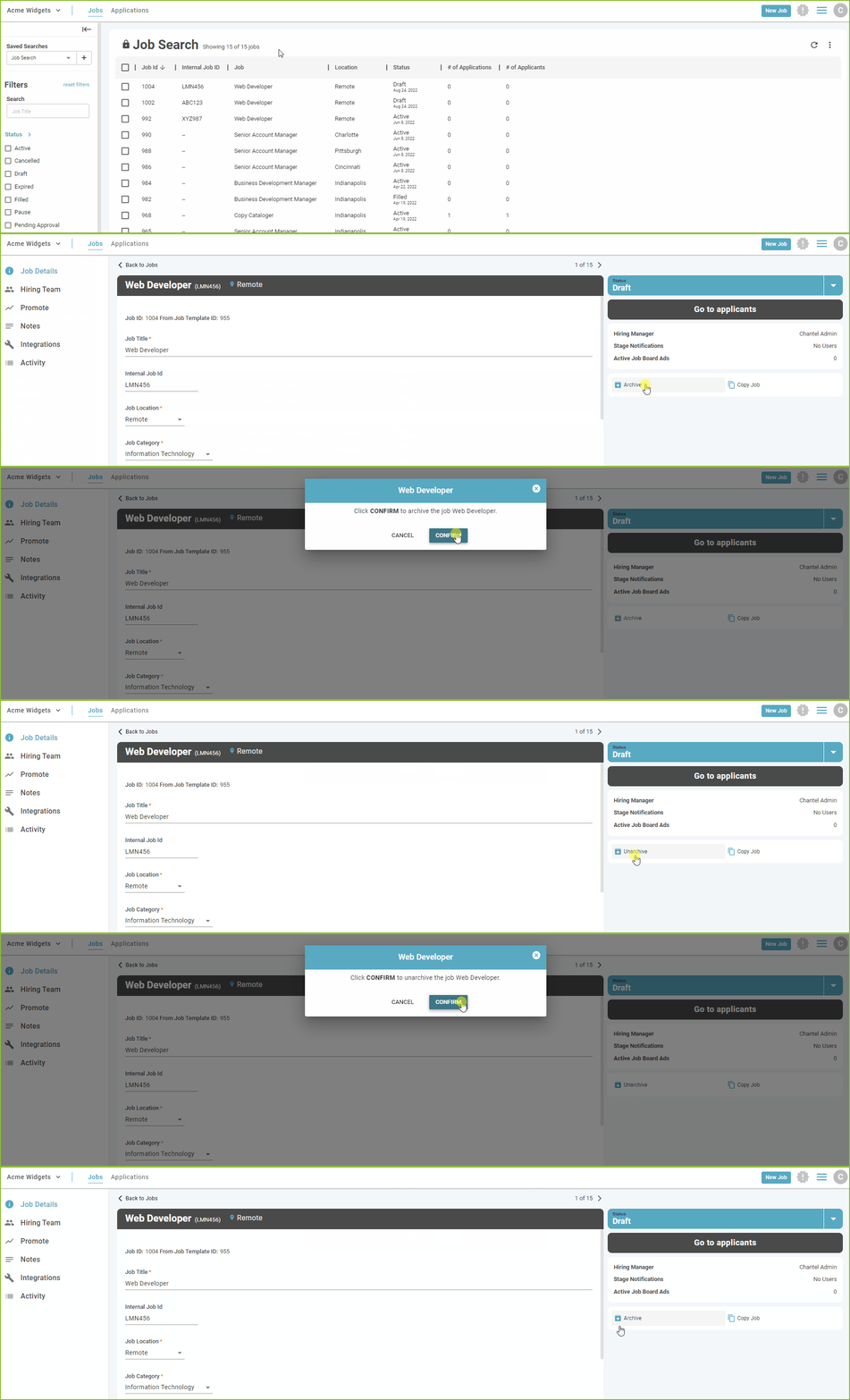
In the Job Details view of the job a user may archive the job. Click Archive. and Confirm.
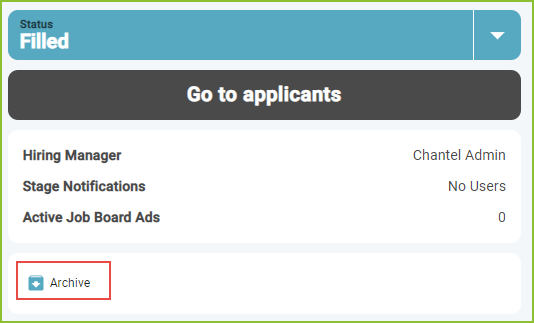
Click Confirm.

Follow the same steps to unarchive the job by selecting Unarchive.
Still need help? Submit a support request and our team will get back to you.