
A new Job may be created quickly from within the Job Templates area.
-
To create a new Job from within the Job Templates area begin in the Settings area by clicking on the cog icon.

-
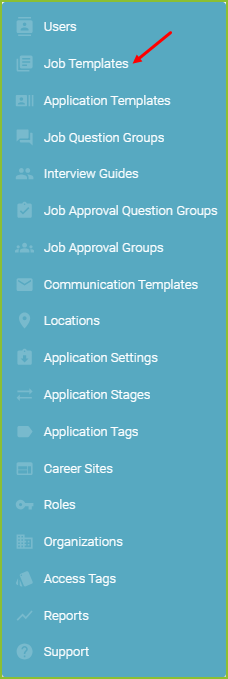
Click on Job Templates.
-
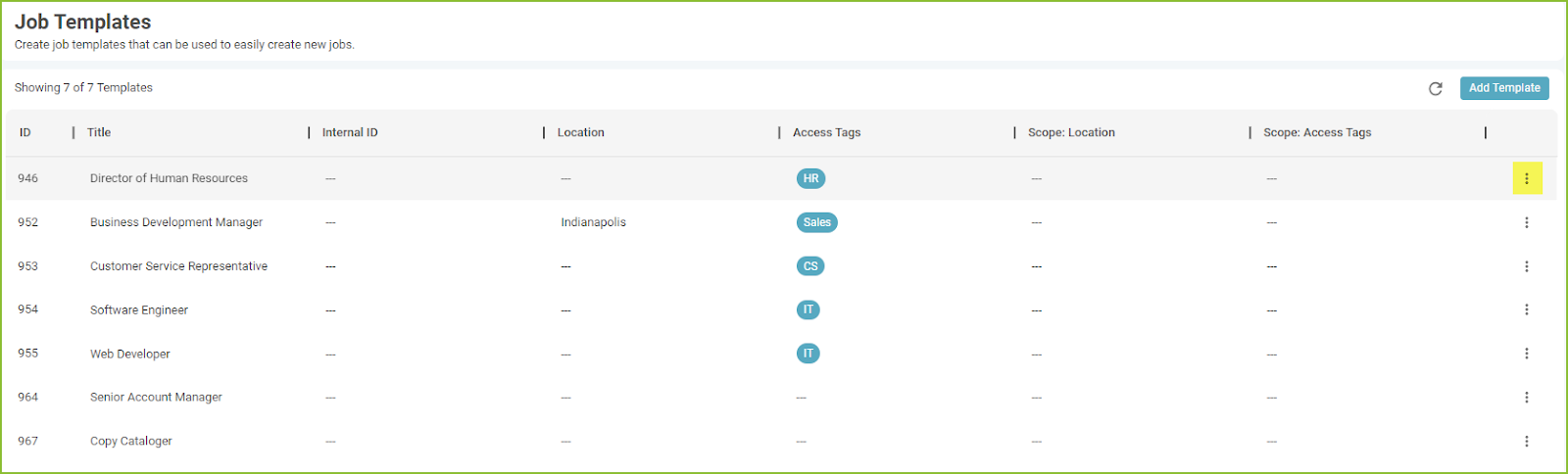
Once in the Job Templates area you will see a list of your existing Job Templates. Click the More Options icon associated with the Job Template to be used.
-
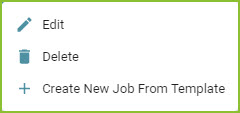
Select Create New Job From Template to create a new job from this template.
-
The Job form will appear having been populated with the Job Template details. Review the content and click ADD JOB.
-
Confirmation of the created job will appear on the screen.

Still need help? Submit a support request and our team will get back to you.